
Video Editing Course for Beginners: Learn Editing from Scratch
- Access
- Lifetime
- Assistance
- Expert Tutor Support
- Flexibility
- Learn Anytime, Anywhere
Overview
The Video Editing Course for Beginners is designed to introduce you to the essential principles and practical stages of creating edited video content. Video is used across social media, business communication, education, entertainment and online marketing. Learning how to combine footage, audio, text and visual elements into a clear sequence can help you communicate information and ideas more effectively.
This course focuses on the fundamentals of video editing rather than assuming that you already understand professional editing software or production terminology. You will explore how raw footage is organised, how clips are selected and arranged, how unwanted sections are removed and how visual and audio elements are combined to produce a finished video.
You will also learn about the planning and review stages of editing. A successful video is not simply a collection of effects. It needs a clear purpose, suitable pacing, understandable structure and appropriate sound. Throughout the course, you will develop an understanding of how these elements work together.
The skills gained can help you begin creating videos for personal projects, social media, education or business communication. You will also establish a foundation for progressing to specialist editing software and more advanced production techniques.
What You Will Learn
You will develop the ability to:
-
Understand the basic principles of video editing.
-
Identify the stages of a video production workflow.
-
Organise and prepare video files.
-
Select useful footage and arrange clips.
-
Cut, trim and sequence video content.
-
Understand transitions and visual effects.
-
Add titles and text to support communication.
-
Work with speech and background audio.
-
Understand basic colour and visual consistency.
-
Export and review completed videos.
Who Is This For?
This course is suitable for complete beginners, aspiring content creators, students, social media users and professionals who want to learn the fundamentals of video editing.
Small business owners can use the knowledge to understand how promotional videos are produced. Teachers and trainers may find it useful when preparing educational content. Freelancers and career changers can use the course as a starting point for exploring creative and multimedia work.
It is also appropriate for people who record videos regularly but want to improve how they organise and present their footage.
Requirements / Prerequisites
No previous editing experience or formal qualifications are required. Basic computer literacy and an interest in creating digital content are sufficient to begin.
Access to a computer and a video-editing application will be useful for practical exploration. You can use suitable beginner-friendly software or professional editing applications, depending on your available resources. Sample footage, images and audio files will also help you practise.
Course Content
Module 1: Understanding Video Editing
Explore what video editing involves and why it is important in modern communication. Learn about the relationship between raw footage, the editing process and the finished video. Understand basic production terminology.
Module 2: Planning a Video Project
Learn how to define the purpose and audience of a video. Explore simple storyboarding, shot selection and content organisation. Understand how planning can make the editing process more efficient.
Module 3: Organising and Preparing Media
Understand how video, audio and image files can be organised before editing. Explore file naming, folder structures and media preparation. Learn why good organisation helps prevent confusion during a project.
Module 4: Basic Editing and Clip Arrangement
Learn how to select useful footage, cut unwanted sections and arrange clips into a logical sequence. Understand how the order of shots influences the way viewers follow a message.
Module 5: Timeline Editing and Pacing
Explore the purpose of a timeline and how clips are arranged over time. Learn how to manage timing, remove unnecessary pauses and create a smoother viewing experience.
Module 6: Transitions, Effects and Visual Presentation
Understand the role of transitions and basic visual effects. Learn how these elements can connect scenes or support a creative style. Explore why simplicity and consistency are often more effective than excessive effects.
Module 7: Titles, Text and Visual Information
Learn how to add titles, captions and other text elements. Understand the importance of readable typography, suitable positioning and consistent design. Explore how text can support the viewer’s understanding.
Module 8: Audio and Sound Quality
Understand how sound contributes to video quality. Explore speech, background music, audio levels and basic sound adjustments. Learn why clear audio is essential for professional communication.
Module 9: Colour, Review and Final Refinements
Explore basic visual consistency and colour adjustments. Learn how to review a video for pacing, clarity, audio problems and visual distractions. Develop a method for identifying improvements before export.
Module 10: Exporting and Sharing Video Content
Understand the purpose of exporting and how output settings affect the finished video. Explore common formats, resolution and platform requirements. Learn to check the exported file before sharing it.
Skills You Will Develop
You will develop fundamental video-editing, media organisation, sequencing, storytelling, audio awareness and export preparation skills. You will also strengthen your ability to review creative work and make improvements based on the intended audience.
These skills can help you move from simply recording footage to producing more organised and purposeful video content.
Practical Applications
The course knowledge can be used to create social media clips, personal videos, short tutorials, promotional content, educational resources and business presentations.
For example, you could create a short video using several recorded clips, arrange them into a clear sequence, add an introductory title, balance the audio and export the finished project. You will understand how each stage contributes to the overall result.
Career Path
Video-editing knowledge can support further development towards roles such as:
-
Video Editing Assistant
-
Junior Video Editor
-
Content Creator
-
Social Media Assistant
-
Multimedia Assistant
-
Digital Marketing Assistant
-
Video Production Assistant
Professional opportunities may require a portfolio, experience with editing applications and additional skills such as motion graphics, colour grading, sound design and production planning.
Your Learning Outcome
By completing this course, you should understand the essential stages of video editing and how to turn raw footage into a structured finished video. You will be able to explain basic editing techniques, organise media, arrange clips, improve audio and visual presentation and prepare videos for sharing.
You will also have a foundation for continuing your development with specialist editing software and more advanced creative techniques.
Curriculum
- Creating a New Project Setup
- Previewing Media Files with the Browser
- Working with the Source Monitor
- Creating a Sequence from Scratch
- Building and Organizing the Timeline
- Finalizing the Main Story Edit Part 2
- Using the Selection Tool
- Working with the Slip Tool
- Using the Slide Tool
- Creating Split Edits with J and L Cuts
- Managing Multiple Video and Audio Tracks
- Adding Additional Cutaway Footage
- Disabling Cutaway Audio
- Adjusting Audio Levels with Precision
- Applying Audio Transitions
- Working with Audio Keyframes
- Automatically Balancing Audio Levels
- Adding Ambient Background Sound
- Applying Video Transitions
- Reusing Titles Across Projects
- Lumetri Color Correction Part 1
- Lumetri Color Correction Part 2
- Using Adjustment Layers
- Creating Split Screen Effects
- Creating Picture-in-Picture Effects with Masks
- Animating Lower Third Graphics
- Smoothing Motion with Keyframe Easing
- Animating Visual Effects
- Importing Layered Photoshop Files
- Animating Logos and Graphics
- Working with Nested Sequences Part 2
- Editing to Audio Beats Using Markers
- Creating Speed Ramping Effects
- Reframing and Adjusting Clips
- Exporting Videos Directly from Premiere Pro
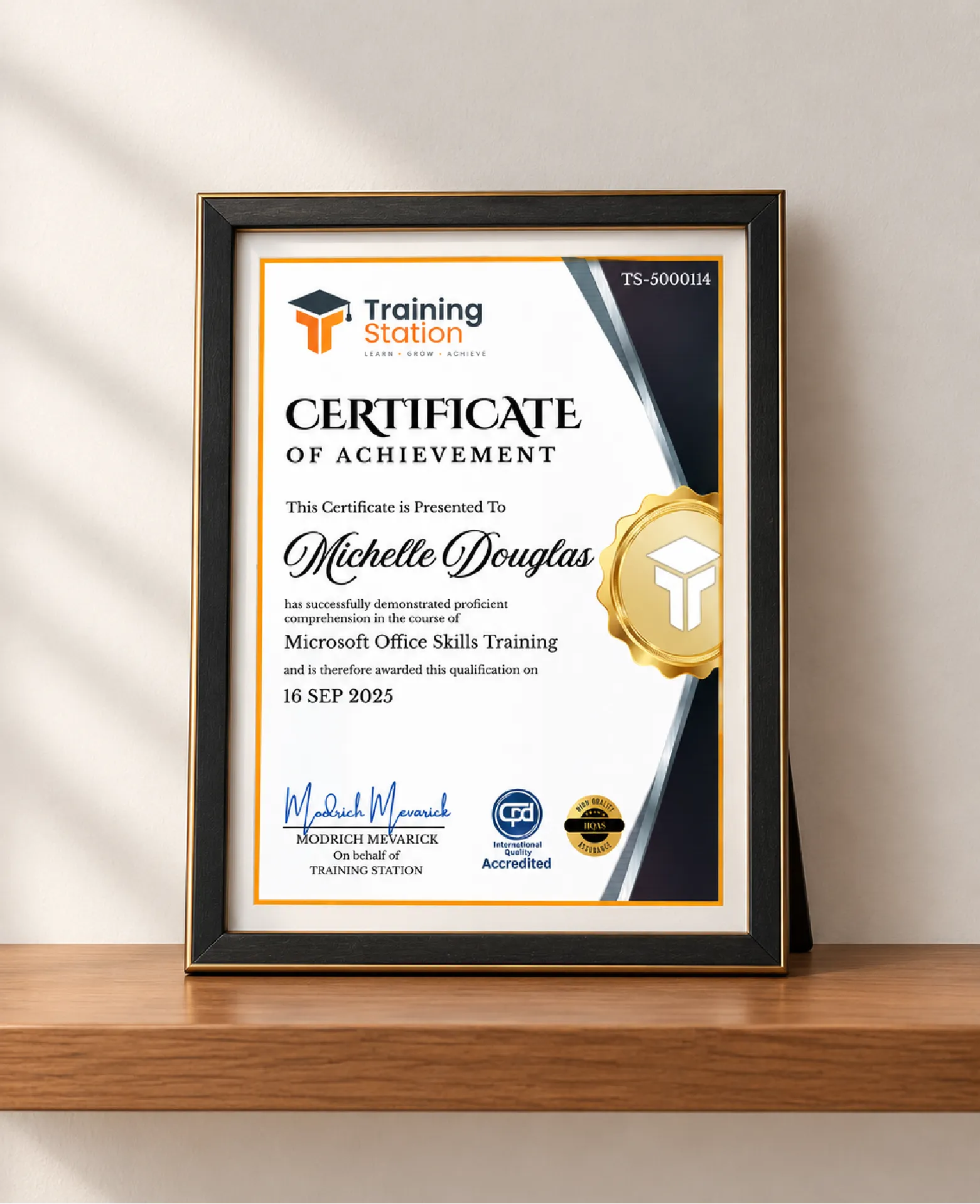
Celebrate your achievement with a CPD-IQ accredited certificate from Training Station! Perfect for showcasing your skills, boosting your career, and enhancing your professional profile.
Get this CourseOur Courses Accreditation






Frequently Asked Questions
Fully online through PDF materials and video lessons. Learn anytime, anywhere.
Self-paced: complete it in a week or spread it over months.
No. The course is beginner-friendly.
Yes. Instructor support is available Monday to Friday.
Yes. We offer a 14-day money-back guarantee.
 Access all courses for Only £99