
Touch Typing Course: Improve Typing Speed and Accuracy

- Access
- Lifetime
- Assistance
- Expert Tutor Support
- Flexibility
- Learn Anytime, Anywhere
Overview
Typing is an essential digital skill used in education, office administration, customer service, business communication and many other professional environments. Whether you are writing emails, preparing documents, completing online forms or working with digital information, being able to type comfortably and accurately can make everyday computer tasks more manageable.
The Touch Typing Course: Improve Typing Speed and Accuracy is designed to help you develop better keyboarding habits and understand the techniques involved in touch typing. Touch typing is a method of typing without looking constantly at the keyboard, using finger positioning and familiarity with key locations to improve efficiency.
You will explore keyboard layout, correct finger placement, typing posture, hand positioning and the importance of developing consistent practice habits. You will also consider how accuracy, rhythm and gradual speed development work together.
The course focuses on building a reliable foundation rather than encouraging speed at the expense of accuracy. You will learn why correct technique matters and how structured practice can help you become more comfortable when using a keyboard.
By completing the course, you can develop a better understanding of touch typing, improve your keyboarding technique and build skills that may support your productivity in study, work and everyday computer use.
What You Will Learn
Throughout the course, you will develop knowledge and skills in:
-
Understanding touch typing and its benefits.
-
Exploring the standard keyboard layout.
-
Learning the home row position.
-
Developing correct finger placement.
-
Understanding hand positioning and posture.
-
Using the correct fingers for different keys.
-
Improving typing accuracy.
-
Developing consistent typing rhythm.
-
Practising letters, numbers and punctuation.
-
Reducing unnecessary keyboard glances.
-
Identifying and correcting typing mistakes.
-
Understanding typing speed measurements.
-
Developing regular practice routines.
-
Applying typing skills to everyday tasks.
Understanding Touch Typing
You will begin by exploring what touch typing means and how it differs from typing by looking at individual keys.
Touch typing involves learning the location of keys and using the appropriate fingers to reach them without constantly checking the keyboard.
You will explore why this method can improve consistency and reduce the need to move your attention between the screen and keyboard.
You will also consider how touch typing can support tasks such as writing documents, entering information and communicating online.
Developing this skill takes practice, and progress will vary depending on your starting point and consistency.
Understanding the Keyboard Layout
Before developing touch typing skills, it is important to understand how a keyboard is organised.
You will explore the standard QWERTY keyboard layout and become familiar with the main groups of keys.
This includes letter keys, number keys, punctuation marks, modifier keys and commonly used function keys.
You will also consider the role of keys such as Shift, Enter, Backspace, Tab and Space.
Understanding the keyboard layout can help you become more familiar with the location and purpose of individual keys.
The Home Row Position
The home row provides the central reference point for touch typing.
You will explore how the fingers are positioned on the home row and why returning to this position helps maintain consistency.
You will develop awareness of the small physical markers on the F and J keys, which can help users locate the correct position without looking down.
Understanding this starting position can help you build a reliable foundation for reaching other keys.
Correct Finger Placement
Touch typing uses different fingers to reach different areas of the keyboard.
You will explore how each finger is assigned a group of keys and why using consistent finger placement is important.
You will also consider how unnecessary finger movement can affect comfort and accuracy.
Developing correct technique can make it easier to reach keys efficiently and return to the home row.
The aim is to establish consistent habits that can be strengthened through regular practice.
Hand Positioning and Typing Posture
Comfortable positioning can support better keyboarding habits.
You will explore how to position your hands and wrists when typing and why excessive tension should be avoided.
You will also consider the importance of an appropriate chair, desk and keyboard position.
A comfortable working setup can help reduce unnecessary strain during extended computer tasks.
You will develop awareness of taking breaks and adjusting your position when needed rather than continuing to type through discomfort.
Learning Letter Keys
You will explore how to practise letter keys using the correct fingers.
You will consider how to develop familiarity with different keyboard rows and how to combine letters into simple sequences and words.
You will also examine why gradual practice is useful when learning the position of unfamiliar keys.
Developing accuracy at this stage can help create a foundation for more fluent typing.
Numbers and Punctuation
Typing involves more than entering letters.
You will explore the number row and commonly used punctuation keys.
You will consider how the Shift key is used to access alternative characters and how punctuation contributes to clear written communication.
You will also examine why practising numbers and symbols is useful for tasks involving dates, calculations, addresses and business documents.
Developing Typing Accuracy
Accuracy is an important part of effective typing.
You will explore why correct key selection should be developed before focusing heavily on speed.
You will consider common typing errors, including missed letters, incorrect characters and repeated keystrokes.
You will also examine how slower, deliberate practice can help identify weaknesses and improve consistency.
Developing accuracy can reduce the need for corrections and help make everyday typing more efficient.
Building Typing Speed
Typing speed is commonly measured in words per minute (WPM).
You will explore what WPM means and how typing tests typically assess speed and accuracy.
You will also consider why speed should be developed gradually rather than through rushed or inconsistent movements.
You will examine how familiarity with the keyboard, correct finger placement and regular practice can contribute to improved performance.
Your results will depend on your starting ability, practice frequency, accuracy and the complexity of the text being typed.
Developing Rhythm and Consistency
Effective typing involves maintaining a comfortable and consistent rhythm.
You will explore how repeated practice can help develop familiarity with common letter combinations and word patterns.
You will also consider why unnecessary pauses and irregular finger movements can interrupt typing flow.
Developing a steady rhythm can help you type more comfortably and reduce the effort involved in routine keyboard tasks.
Reducing Keyboard Glances
One of the main aims of touch typing is to reduce the need to look at the keyboard.
You will explore techniques for becoming more familiar with key positions and using the home row as a reference point.
You will also consider how visual attention can remain focused on the screen while your fingers become more familiar with keyboard movements.
This ability can support a smoother typing experience and make it easier to review what you are writing as you work.
Identifying and Correcting Mistakes
Mistakes are a normal part of learning a new typing technique.
You will explore how to recognise common errors and identify which keys or finger movements need additional practice.
You will also consider how to use typing exercises and performance results to identify patterns in your mistakes.
Rather than focusing only on total speed, you will learn why reviewing accuracy can provide useful information about your progress.
Creating an Effective Practice Routine
Regular practice is essential for developing touch typing skills.
You will explore how to create a realistic practice routine that focuses on technique, accuracy and gradual improvement.
You will consider the value of short, consistent sessions and why repeating exercises can help strengthen keyboard familiarity.
You will also examine how to set achievable goals and monitor progress over time.
A structured routine can help you maintain motivation and identify areas where further practice is needed.
Applying Touch Typing to Everyday Tasks
Typing skills become more useful when applied to real activities.
You will explore how touch typing can support emails, reports, online forms, study notes, spreadsheets and other computer-based tasks.
You will also consider how to maintain correct technique when working with different types of written content.
Applying your skills in everyday situations can help you build familiarity and make practice more relevant.
Who Is This Course For?
This course is suitable for anyone who wants to improve their keyboarding skills and develop a more efficient typing technique.
It may be particularly useful for:
-
Beginners learning to type.
-
Students completing digital assignments.
-
Office and administrative workers.
-
Customer service professionals.
-
Data entry learners.
-
Freelancers and remote workers.
-
Job seekers developing computer skills.
-
Individuals who frequently use a keyboard.
-
People who want to improve typing accuracy and confidence.
Requirements / Prerequisites
No previous touch typing experience is required.
To benefit from the course, you should ideally have:
-
Access to a computer or laptop with a physical keyboard.
-
A reliable internet connection if using online practice resources.
-
Basic computer skills.
-
An interest in improving typing technique.
-
Willingness to practise regularly.
-
Patience to develop accuracy before prioritising speed.
A standard QWERTY keyboard is suitable for the main learning activities. Keyboard layouts may differ, so some key positions may need adjustment depending on your device.
Skills and Knowledge You Can Develop
By completing this course, you can develop a stronger understanding of touch typing and effective keyboard use.
You can improve your familiarity with the keyboard layout, finger placement, hand positioning, typing accuracy and practice techniques.
You will also develop awareness of typing speed measurements and how to monitor progress.
These skills can help you approach computer-based tasks more confidently and support productivity in study, work and everyday digital activities.
Typing speed and accuracy improvements are not guaranteed and will depend on regular practice and individual progress.
Career Path
Touch typing is a transferable digital skill that can support a wide range of administrative and computer-based roles.
Data Entry Clerk: Use accurate keyboarding skills when entering and updating information.
Administrative Assistant: Prepare documents, emails and routine office records more efficiently.
Office Assistant: Support everyday computer-based tasks and information processing.
Customer Service Representative: Type customer responses and update records during communication tasks.
Receptionist: Handle digital correspondence, appointment information and administrative records.
Virtual Assistant: Apply keyboarding skills when managing emails, documents and online tasks.
Transcription Trainee: Build on typing ability through further training in listening accuracy and transcription techniques.
Records Assistant: Support the organisation and updating of digital records.
Career opportunities depend on wider computer skills, communication ability, experience and employer requirements. Touch typing alone does not guarantee employment or professional qualification.
Your Next Step
Touch typing can help you develop a more comfortable and consistent approach to using a keyboard.
By learning finger placement, the home row, keyboard layout, accuracy techniques and regular practice methods, you can build a foundation for improving your typing ability.
Continue practising with everyday text, structured exercises and typing assessments. Focus on accuracy first, then gradually work towards a comfortable and consistent typing speed.
Curriculum
- Module 1 – Introduction to Touch Typing
- Module 2 – Mastering the Home Row
- Module 3 – Practising the Upper Row
- Module 4 – Practising the Lower Row
- Module 5 – Mastering Shift Keys and Capitalisation
- Module 6 – Typing Numbers and Special Symbols
- Module 7 – Improving Typing Speed and Accuracy
- Module 8 – Developing Advanced Typing Techniques
- Module 9 – Practising with Real-World Texts
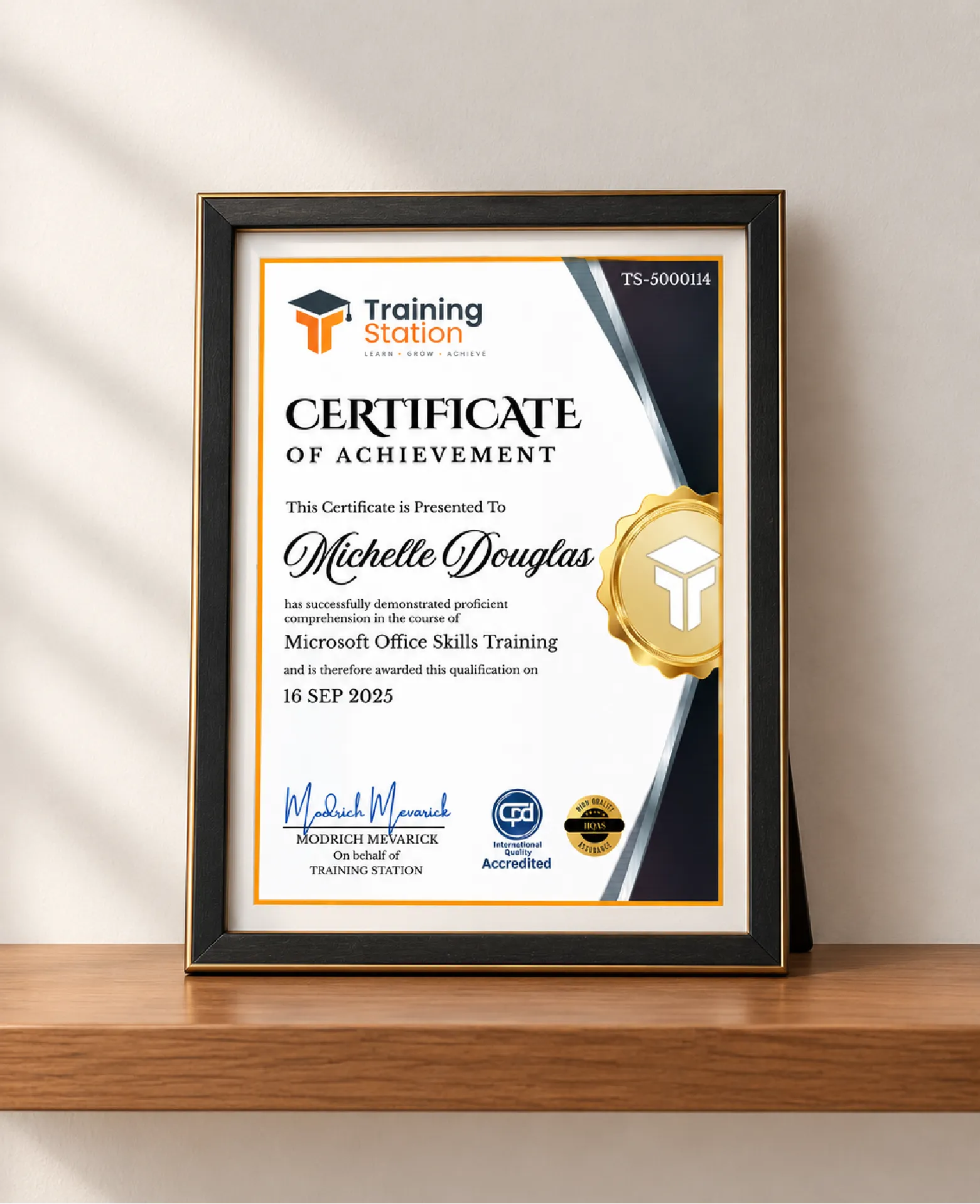
Celebrate your achievement with a CPD-IQ accredited certificate from Training Station! Perfect for showcasing your skills, boosting your career, and enhancing your professional profile.
Get this CourseOur Courses Accreditation






Frequently Asked Questions
Fully online through PDF materials and video lessons. Learn anytime, anywhere.
Self-paced: complete it in a week or spread it over months.
No. The course is beginner-friendly.
Yes. Instructor support is available Monday to Friday.
Yes. We offer a 14-day money-back guarantee.
 Access all courses for Only £99