
Premiere Pro for Beginners: Complete Video Editing Course
- Access
- Lifetime
- Assistance
- Expert Tutor Support
- Flexibility
- Learn Anytime, Anywhere
Overview
The Premiere Pro for Beginners Course provides a structured introduction to editing videos with Adobe Premiere Pro. It is designed for learners who want to understand the complete beginner-level editing process, from setting up a project to exporting a finished video.
Video editing is a valuable skill in modern communication. Businesses use video to explain services, demonstrate products and share updates. Creators use it to produce tutorials, entertainment and social media content. Educators use edited video to make lessons more engaging and easier to follow. Learning how to organise footage and build a clear sequence can therefore support a wide range of creative and professional activities.
Throughout this course, you will explore the essential features of Premiere Pro and learn how they fit into a practical workflow. You will understand how to import media, work with clips, edit a timeline, add text, manage audio and prepare videos for different platforms. You will also learn to review your work and make improvements that support clarity and consistency.
The course is intended to help you develop confidence through a step-by-step understanding of video editing. Rather than assuming previous experience, it introduces the main concepts and builds towards completing a basic video project.
What You Will Learn
You will develop the ability to:
-
Navigate the Premiere Pro interface.
-
Create projects and organise media files.
-
Understand video sequences and timelines.
-
Import and manage source footage.
-
Cut, trim and arrange video clips.
-
Use transitions to connect scenes.
-
Add titles and simple graphic elements.
-
Work with voice recordings and background audio.
-
Make basic visual adjustments.
-
Export videos using suitable settings.
-
Review and refine a finished edit.
Who Is This For?
This course is suitable for complete beginners who want to learn video editing from the ground up. It is particularly useful for aspiring YouTubers, social media creators, students, marketing assistants and people who want to produce their own video content.
Small business owners can use the knowledge to understand how promotional videos are assembled. Teachers and trainers may find it helpful when preparing educational content. Freelancers and career changers can use it as a starting point for developing creative software skills.
You do not need to be an experienced editor or filmmaker. The course focuses on beginner-level understanding and provides a foundation for further practice.
Requirements / Prerequisites
No previous editing experience is necessary. Basic computer literacy and an interest in working with digital media are recommended. You will benefit from having Adobe Premiere Pro available so that you can follow practical demonstrations and explore the editing environment.
A computer suitable for video editing and access to sample footage, images and audio files will be useful. The exact software interface may vary depending on the version you use, but the core editing concepts remain relevant across many versions.
Course Content
Module 1: Getting Started with Premiere Pro
Understand the role of video editing and become familiar with the Premiere Pro workspace. Explore the interface, panels and basic terminology. Learn how to approach an editing project before making changes to your footage.
Module 2: Setting Up Your First Project
Learn how to create a project and establish a sensible organisation system. Understand the importance of keeping media files organised and maintaining access to source footage throughout the editing process.
Module 3: Importing and Reviewing Media
Explore how to import video, audio and image files. Learn how to review clips and identify useful sections before arranging them on the timeline. Understand why preparation can make the editing process more efficient.
Module 4: Understanding the Timeline
Develop confidence with the timeline and its tracks. Learn how video and audio clips are arranged and how sequences are used to build a complete video. Explore the basic controls needed to navigate and edit a sequence.
Module 5: Cutting, Trimming and Arranging Clips
Learn how to remove unwanted sections, shorten clips and arrange footage in a logical order. Understand how editing choices influence pacing and how a clear sequence can improve the viewer’s understanding.
Module 6: Adding Transitions and Simple Effects
Explore transitions and basic effects. Understand how to use visual changes to connect scenes and support the flow of a video. Learn why effects should contribute to the message rather than distract from it.
Module 7: Titles, Captions and Graphics
Learn how text can introduce a video, identify speakers and explain important information. Explore basic title creation and placement, paying attention to readability and visual consistency.
Module 8: Working with Audio
Understand how audio tracks are managed and adjusted. Learn to balance speech and background sound, remove unnecessary audio sections where appropriate and review sound quality before exporting.
Module 9: Reviewing and Improving Your Video
Develop a checklist for reviewing a completed edit. Explore pacing, clip order, audio levels, titles and transitions. Learn how to identify problems and make targeted improvements.
Module 10: Exporting Your Finished Project
Understand the final export process. Explore common output settings and how resolution, format and frame rate relate to the intended viewing platform. Learn to prepare a finished video for sharing or further review.
Skills You Will Develop
You will develop beginner video-editing skills, including project setup, media organisation, timeline editing, clip trimming, title creation, basic audio adjustment and video export. You will also gain an understanding of how visual sequencing supports communication.
The course will help you become more familiar with the editing process and the decisions involved in turning raw footage into a finished video.
Practical Applications
You can use the skills to create short videos for social media, educational clips, product demonstrations, interviews, presentations and personal projects. You will understand how to combine footage, text and audio to produce a video that is easier to follow and more engaging.
For example, you could take several short recordings, arrange them into a logical sequence, remove unnecessary pauses, add a title and export the result. This type of workflow can be adapted to different subjects and audiences.
Career Path
The course can support further development towards roles such as:
-
Video Editing Assistant
-
Junior Video Editor
-
Social Media Assistant
-
Content Creator
-
Multimedia Assistant
-
Marketing Content Assistant
-
Freelance Video Editor
Career progression generally depends on practical experience, the quality of your portfolio and your ability to meet project requirements. Advanced roles may require additional skills in motion graphics, sound editing, colour grading and production planning.
Your Learning Outcome
By the end of this course, you should be able to explain the basic Premiere Pro editing workflow and understand how to create a simple video project. You will know how to import media, organise files, arrange clips, make basic edits, add titles, adjust audio and export a finished video.
You will also have a foundation for developing more advanced creative skills through regular practice and independent projects.
Curriculum
- Course Introduction
- Navigating the Interface and Workspaces
- Understanding Panels and Their Functions
- Project Setup and Background Essentials
- Understanding Frames and Timecode Basics
- Creating a Sequence from Existing Footage
- Navigation Tools and Workflow Basics
- Using Insert Edits in the Timeline
- Setting Custom Clip Durations
- Finalizing the Main Story Edit – Part 1
- Duplicating and Managing Sequences
- Introduction to Cutaway Footage
- Enhancing Storytelling with Cutaways
- Adding Background Music and Soundtracks
- Adjusting Audio Levels
- Resolving Common Audio Issues
- Final Audio Enhancements
- Understanding Clip Handles
- Creating Titles and Text Elements
- Creating and Using Color Mattes
- Designing Lower Third Graphics
- Adding Scrolling End Credits
- Creating Captions and Subtitles
- Introduction to Video Effects
- Advanced Lumetri Color Techniques – Part 3
- Applying Effects Across Multiple Clips
- Stabilizing Shaky Footage
- Understanding Motion Controls
- Introduction to Animation Techniques
- Working with Nested Sequences – Part 1
- Using Comment Markers Effectively
- Introduction to Speed Adjustments
- Applying Selective Speed Changes
- Advanced Editing Techniques
- Restoring Broken Animations
- Managing Projects with Project Manager
- Relinking Missing Media Files
- Course Wrap-Up and Final Thoughts
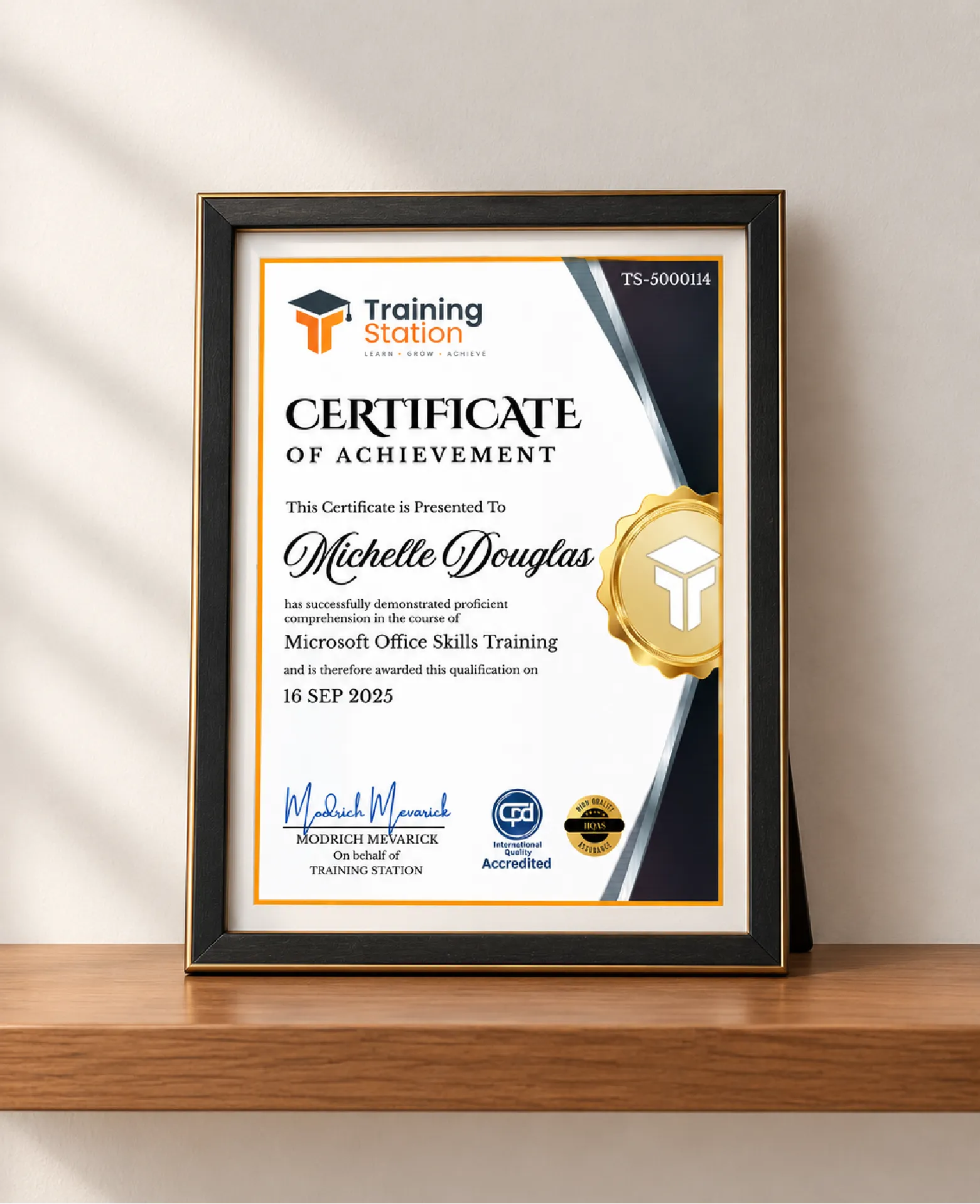
Celebrate your achievement with a CPD-IQ accredited certificate from Training Station! Perfect for showcasing your skills, boosting your career, and enhancing your professional profile.
Get this CourseOur Courses Accreditation






Frequently Asked Questions
Fully online through PDF materials and video lessons. Learn anytime, anywhere.
Self-paced: complete it in a week or spread it over months.
No. The course is beginner-friendly.
Yes. Instructor support is available Monday to Friday.
Yes. We offer a 14-day money-back guarantee.
 Access all courses for Only £99