

Cyber Monday Floating Bar
Cyber Monday Offer Amount
Offer Ends

Until 22nd December

Use Coupon

MS PowerPoint Basics
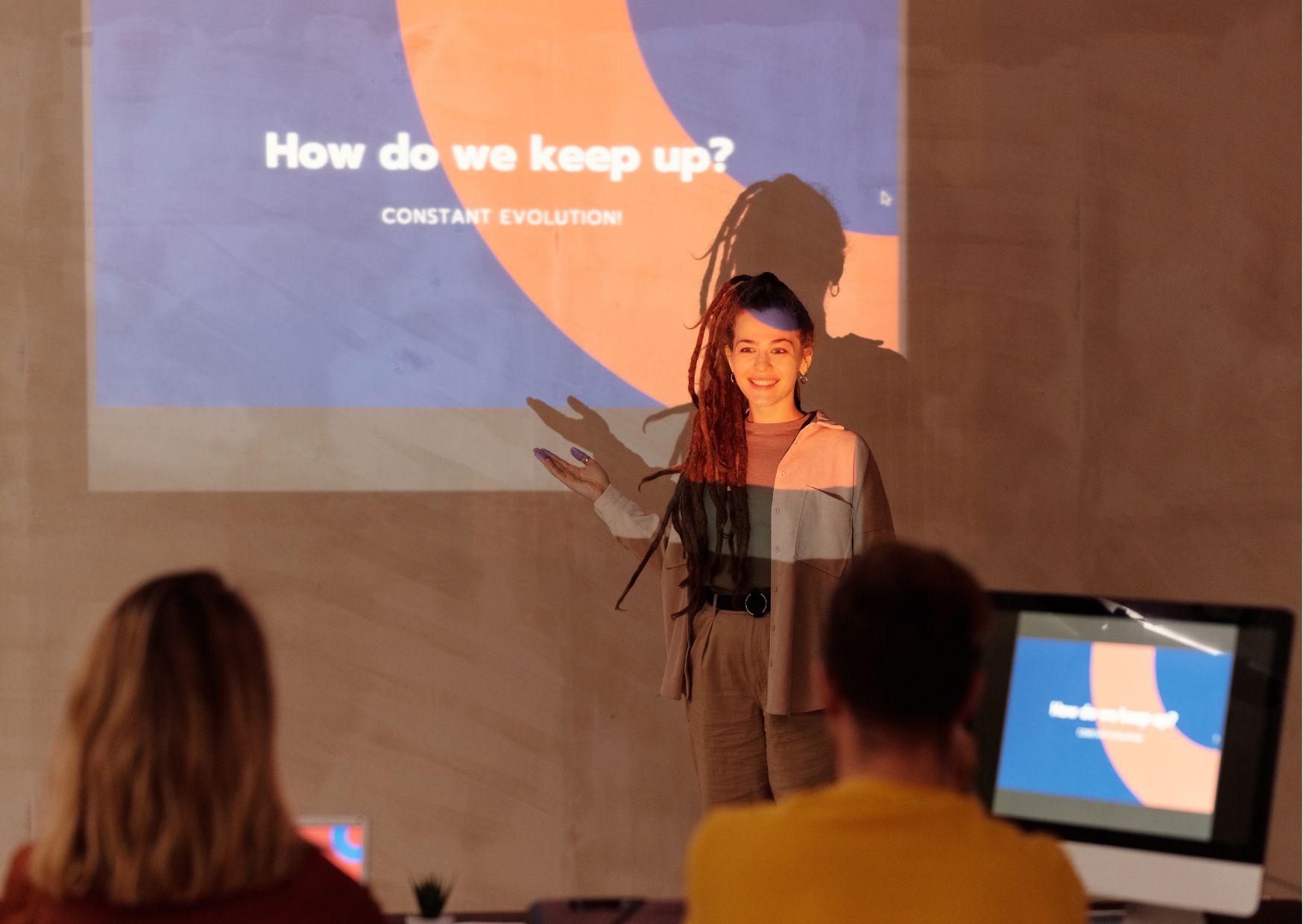
hero imgs
£119.00 £19.00
Save Over 90% - Offer Ends soon
  • LifeTime Access 🕖
  • Tutor Support 🕖
  • Study Anywhere and Anytime 🕖
GET ACCESS TO ALL 1500+ COURSES FOR ONLY £59 . Get Now

Overview

Course Overview: MS PowerPoint Basics In today's digital age, effective presentation skills are crucial for professionals across all industries. Whether you're a business executive, educator, or student, mastering Microsoft PowerPoint can significantly enhance your ability to communicate ideas, engage audiences, and convey information effectively. 🖥️💼 Sections Covered in the Course:
  1. Introduction to PowerPoint:
    • Understanding the interface
    • Navigating through slides
    • Customizing settings
  2. Creating and Formatting Slides:
    • Adding text and images
    • Formatting text and objects
    • Utilizing slide layouts
  3. Working with Multimedia:
    • Inserting videos and audio
    • Incorporating animations and transitions
    • Enhancing presentations with multimedia elements
  4. Mastering Charts and Graphs:
    • Creating charts and graphs
    • Customizing chart elements
    • Presenting data effectively
  5. Delivering Presentations:
    • Rehearsing and timing presentations
    • Utilizing presenter view
    • Interacting with audiences effectively
  6. Advanced Features and Tips:
    • Using slide master and templates
    • Collaborating on presentations
    • Advanced tips and tricks for efficiency
FAQs (Frequently Asked Questions): Q: Who is this course suitable for? A: This course is perfect for beginners who have little to no experience with Microsoft PowerPoint. It's also beneficial for professionals looking to enhance their presentation skills. Q: Do I need any prior knowledge of PowerPoint? A: No prior experience with PowerPoint is required. This course starts from the basics and gradually progresses to more advanced topics. Q: What version of PowerPoint does this course cover? A: This course covers the basics of PowerPoint and is designed to be applicable across various versions of the software. However, specific features may vary slightly depending on the version you are using. Q: How long will it take to complete the course? A: The duration of the course may vary depending on individual learning pace. However, it is designed to be completed within a few weeks with regular study and practice. Q: Will I receive a certificate upon completion of the course? A: Yes, upon successful completion of the course and any associated assessments, you will receive a certificate of completion to showcase your new skills. Q: Can I access the course materials anytime, anywhere? A: Yes, the course materials are accessible online, allowing you to study at your own pace and convenience from anywhere with an internet connection. Q: Are there any assignments or quizzes in the course? A: Yes, there are quizzes and assignments throughout the course to reinforce your learning and ensure understanding of key concepts. Q: Will I have access to instructor support? A: Yes, you will have access to instructor support for any questions or clarifications you may need during your learning journey. Q: Can I interact with other students enrolled in the course? A: Yes, there may be opportunities to interact with fellow students through discussion forums or group activities, fostering a collaborative learning environment. Q: What can I expect to learn by the end of the course? A: By the end of the course, you will have a solid understanding of Microsoft PowerPoint basics, enabling you to create professional presentations with confidence, efficiency, and creativity. In conclusion, mastering MS PowerPoint Basics is not just about learning software skills; it's about enhancing your ability to communicate ideas effectively and engage your audience. Whether you're a student, professional, or educator, this course will equip you with essential tools and techniques to create impactful presentations that leave a lasting impression. 🚀🎓

Curriculum

Course Content

Module 1 Introduction to Microsoft PowerPoint

  • Introduction to Microsoft PowerPoint
    00:00

Module 2 Setting up and Managing presentations

Team success

Celebrate your achievement with a CPD-IQ accredited certificate from Training Station! Perfect for showcasing your skills, boosting your career, and enhancing your professional profile.

Frequently Asked Questions

Fully online through PDF materials and video lessons. Learn anytime, anywhere.

Self-paced — complete it in a week or spread it over months.

No. The course is beginner-friendly.

Yes — instructor support is available Monday to Friday.

Yes — 14-day money-back guarantee.

Want to receive push notifications for all major on-site activities?