
Docker for Windows: Complete Containerisation Fundamentals

- Access
- Lifetime
- Assistance
- Expert Tutor Support
- Flexibility
- Learn Anytime, Anywhere
Overview
Modern software development involves more than writing code. Applications must also run consistently across different computers, operating systems and deployment environments. A programme that works correctly on a developer’s computer may behave differently when moved to another system because of differences in dependencies, configurations or installed software. Docker helps address this challenge through containerisation.
Docker Fundamentals for Windows Users is designed to introduce you to container technology and show you how Docker can support software development on a Windows computer. You will explore the purpose of containers, understand how Docker works and learn how applications can be packaged with the components they need to run.
The course focuses on the essential knowledge required to begin working with Docker in a Windows environment. You will develop an understanding of Docker Desktop, images, containers, registries, volumes and networks. You will also explore how Dockerfiles are used to define application environments and how Docker Compose can help organise applications made up of multiple services.
By learning these concepts, you can begin to approach software development with greater consistency and confidence. You will understand how containers can reduce environment-related problems, simplify testing and support collaboration between developers and technical teams.
The course also introduces practical workflows, from setting up Docker to creating, running, inspecting and managing containers. You will explore common commands and learn how to recognise basic problems that may occur during container development.
By the end, you should have a stronger foundation for using Docker on Windows and be better prepared to explore containerised application development, DevOps practices and cloud deployment technologies.
What You Will Learn
You will develop an understanding of the key Docker concepts and practical operations needed to work with containers.
You will learn how to:
-
Explain what Docker is and why containerisation is useful.
-
Understand the difference between containers and virtual machines.
-
Explore Docker’s main components and architecture.
-
Understand Docker Desktop and its role in a Windows environment.
-
Set up a suitable Docker development environment.
-
Work with Docker images and containers.
-
Use essential Docker commands.
-
Understand Dockerfiles and how they define container images.
-
Build and manage container images.
-
Explore container networking and persistent storage.
-
Understand the purpose of Docker Compose.
-
Run applications using containerised environments.
-
Identify common Docker problems and basic troubleshooting approaches.
-
Recognise how Docker fits into modern development and deployment workflows.
Understanding Containers and Docker
You will begin by exploring the problems that containerisation is designed to solve. Software applications often depend on specific versions of programming languages, libraries, system tools and configuration settings. Managing these dependencies separately across different environments can be difficult.
Docker allows developers to package an application and its dependencies into a container image. A container can then be created from that image and run in a compatible environment.
You will examine how containers differ from traditional virtual machines. Virtual machines generally include a complete guest operating system, while containers share the host operating system’s kernel through container technology. This distinction helps explain why containers can be more lightweight and quicker to start in many situations.
You will also explore important Docker terminology, including images, containers, registries, Docker Engine and Docker Desktop. Understanding these components will help you follow practical instructions and recognise how the different parts work together.
Setting Up Docker on Windows
A reliable development environment is essential before beginning container-based work. You will explore the role of Docker Desktop and how it provides a convenient interface for using Docker on Windows.
You will learn about the general installation and configuration process, including the importance of checking system requirements and understanding the relationship between Docker Desktop, Windows features and the underlying container environment.
The course introduces concepts such as Windows Subsystem for Linux 2 (WSL 2), which is commonly used by Docker Desktop to support Linux containers on Windows. You will develop an awareness of why configuration matters and how system compatibility can affect the development experience.
You will also consider how to check whether Docker is operating correctly and how to confirm that your environment is ready to run containers.
Working with Docker Images
Docker images provide the foundation for creating containers. They contain the application files, dependencies and configuration required to create a running container.
You will learn how images are obtained, stored and managed. The course introduces the role of image registries, including public repositories where developers can find prebuilt images.
You will explore common image-related operations, such as searching for images, downloading them, listing available images and removing images that are no longer required.
You will also learn why image versions and tags matter. Using an appropriate version helps make development environments more predictable and reduces the risk of unexpected changes.
Creating and Managing Containers
Once you understand images, you can begin exploring containers. A container is a running or stopped instance created from an image.
You will learn how to create and start containers, inspect their status, view logs and stop or remove them when they are no longer needed. You will become familiar with the general structure of Docker commands and understand how options can control container behaviour.
You will also explore how applications can expose services through mapped ports. This is important when you want to access a web application or development service running inside a container from your Windows computer.
Through practical examples, you will develop a clearer understanding of how containers operate and how to manage their lifecycle.
Writing Dockerfiles and Building Images
A Dockerfile is a text file containing instructions used to build a Docker image. It provides a repeatable way to define the environment in which an application will run.
You will explore the purpose of common Dockerfile instructions, including selecting a base image, setting a working directory, copying files, installing dependencies and defining the command used to start an application.
You will learn how a Dockerfile can turn an application setup process into a reusable build process. Instead of manually repeating environment configuration, developers can build images using documented instructions.
You will also consider the importance of writing efficient Dockerfiles. Organising build steps carefully, selecting suitable base images and avoiding unnecessary files can help create more manageable images.
Persistent Storage and Container Networking
Containers are designed to be replaceable, which means that data stored only inside a container may not remain available after the container is removed. Persistent storage provides a way to retain important information.
You will explore Docker volumes and bind mounts, understanding how they allow data to be stored outside the container’s temporary filesystem. This is particularly useful for databases, application files and development projects.
You will also learn about container networking. Containers may need to communicate with each other or with services running outside Docker. Understanding network concepts, port mapping and container communication will help you create more useful application environments.
Using Docker Compose
Many applications rely on multiple components. A typical development environment might include a web application, a database and a supporting service. Managing each container separately can become complicated.
Docker Compose helps simplify this process by allowing developers to define and manage multi-container applications using a configuration file.
You will explore the purpose and structure of a Compose configuration and understand how services, networks and volumes can be described together. You will learn how this approach supports repeatable development environments and makes it easier to start or stop groups of related services.
Practical Docker Workflows for Windows Users
The course brings the concepts together through practical examples of container-based development.
You will consider how to:
-
Prepare a project for containerisation.
-
Select a suitable base image.
-
Create a Dockerfile for an application.
-
Build an image from the Dockerfile.
-
Run the application inside a container.
-
Map a container port to a Windows host port.
-
Review container logs and inspect running services.
-
Use a volume to retain application data.
-
Organise multiple services with Docker Compose.
-
Stop, remove and rebuild containers when necessary.
These activities help you understand the complete workflow rather than treating Docker commands as isolated instructions.
Troubleshooting and Good Practices
Docker environments can sometimes produce errors involving installation, permissions, networking, port conflicts, image builds or storage. You will learn why a systematic troubleshooting approach is important.
You will explore how to inspect container status, review logs, check image availability and examine configuration settings. You will also consider common development practices, including using appropriate image versions, avoiding unnecessary privileges, managing sensitive information carefully and keeping container environments organised.
You will develop an awareness of the security implications of container configuration. Containers are useful isolation tools, but they should not be treated as a complete replacement for security controls, access management or careful application design.
Who Is This For?
This course is suitable for people who want to understand Docker and begin using container technology on Windows.
It may be particularly useful for:
-
Windows developers: Programmers who want to create consistent development environments.
-
Software development students: Learners interested in modern application development tools.
-
Aspiring DevOps professionals: Individuals exploring automation, deployment and infrastructure technologies.
-
IT support professionals: People who want to understand container-based applications and their environments.
-
Backend developers: Developers working with databases, APIs and application services.
-
Web developers: Learners who want to package applications and their dependencies.
-
Cloud computing beginners: Individuals preparing to study cloud platforms and container deployment.
-
Career changers: People exploring technical roles involving software infrastructure and development operations.
Requirements / Prerequisites
You should have access to a Windows computer that meets the current system requirements for Docker Desktop. Some familiarity with installing software and navigating Windows settings will be helpful.
Basic command-line knowledge can make the practical exercises easier, although you do not need to be an experienced systems administrator.
Recommended preparation includes:
-
A compatible Windows computer.
-
Permission to install and configure development software.
-
An internet connection for downloading Docker images and related resources.
-
Basic familiarity with files, folders and applications.
-
An interest in software development or IT infrastructure.
Some exercises may involve terminal commands, so a willingness to practise in PowerShell, Windows Terminal or another suitable command-line environment will be beneficial.
Skills You Will Develop
By studying this course, you can develop practical knowledge in:
-
Containerisation: Understanding how applications are packaged and run in containers.
-
Docker Desktop: Working with Docker in a Windows development environment.
-
Image management: Obtaining, building and organising Docker images.
-
Container management: Starting, inspecting, stopping and removing containers.
-
Dockerfile development: Defining repeatable application environments.
-
Storage management: Understanding volumes and bind mounts.
-
Container networking: Connecting containerised applications and services.
-
Docker Compose: Understanding multi-container application configuration.
-
Troubleshooting: Investigating common configuration and runtime problems.
-
Development workflow: Using containers to improve consistency and collaboration.
Career Path
Docker is relevant to a wide range of software and infrastructure roles. Learning its fundamentals can help you prepare for further technical development, although specialist positions generally require broader knowledge and practical experience.
Junior DevOps Engineer: Docker knowledge can provide a foundation for learning CI/CD pipelines, automation, infrastructure management and deployment practices.
Software Developer: You can use containerisation concepts to create repeatable development environments and package applications more consistently.
Backend Developer: Docker can help you understand how APIs, databases and supporting services operate together.
Cloud Support Associate: Container knowledge can support further learning about cloud-hosted applications and infrastructure.
IT Support Specialist: Understanding containers can help you communicate with development teams and investigate issues involving containerised services.
Platform Engineer: With additional experience in orchestration, automation, monitoring and cloud infrastructure, you may progress towards platform engineering work.
To strengthen your career prospects, continue learning about Linux, Git, networking, cloud platforms, Kubernetes, security and CI/CD tools. Building a portfolio of containerised projects can also help demonstrate your practical understanding.
Conclusion
Docker Fundamentals for Windows Users provides a practical introduction to containerisation and the tools used to manage container-based development environments. You will explore Docker Desktop, images, containers, Dockerfiles, storage, networking and Docker Compose.
The skills developed can help you create more consistent application environments, understand modern software workflows and prepare for further study in DevOps and cloud computing. Whether you are a developer, student or aspiring IT professional, this course can provide a valuable starting point for working with Docker on Windows.
Curriculum
- Introduction to Docker on Windows Platforms
- Setting Up and Launching Docker for Windows
- Building a Strong Foundation in Docker Fundamentals
- Configuring Windows Containers for Docker Environments
- Exploring Hyper-V Containers in Windows
- Deploying IIS within Hyper-V Containers
- Comprehensive Overview of Windows Server 2016 Containers
- Installing and Managing Windows Server Containers
- Implementing File System Isolation Techniques
- A Detailed Guide to Namespace Isolation
- Mastering Process Isolation with Docker on Windows
- Network Isolation Concepts and Configuration in Docker
- Working with SQL Server 2016 Docker Images
- Scaling Docker Deployments Across Windows Server 2016 and Windows 10
- Creating Dockerfiles and Deploying the EARS Reporting Application
- derstanding Container-as-a-Service (CaaS) Platforms
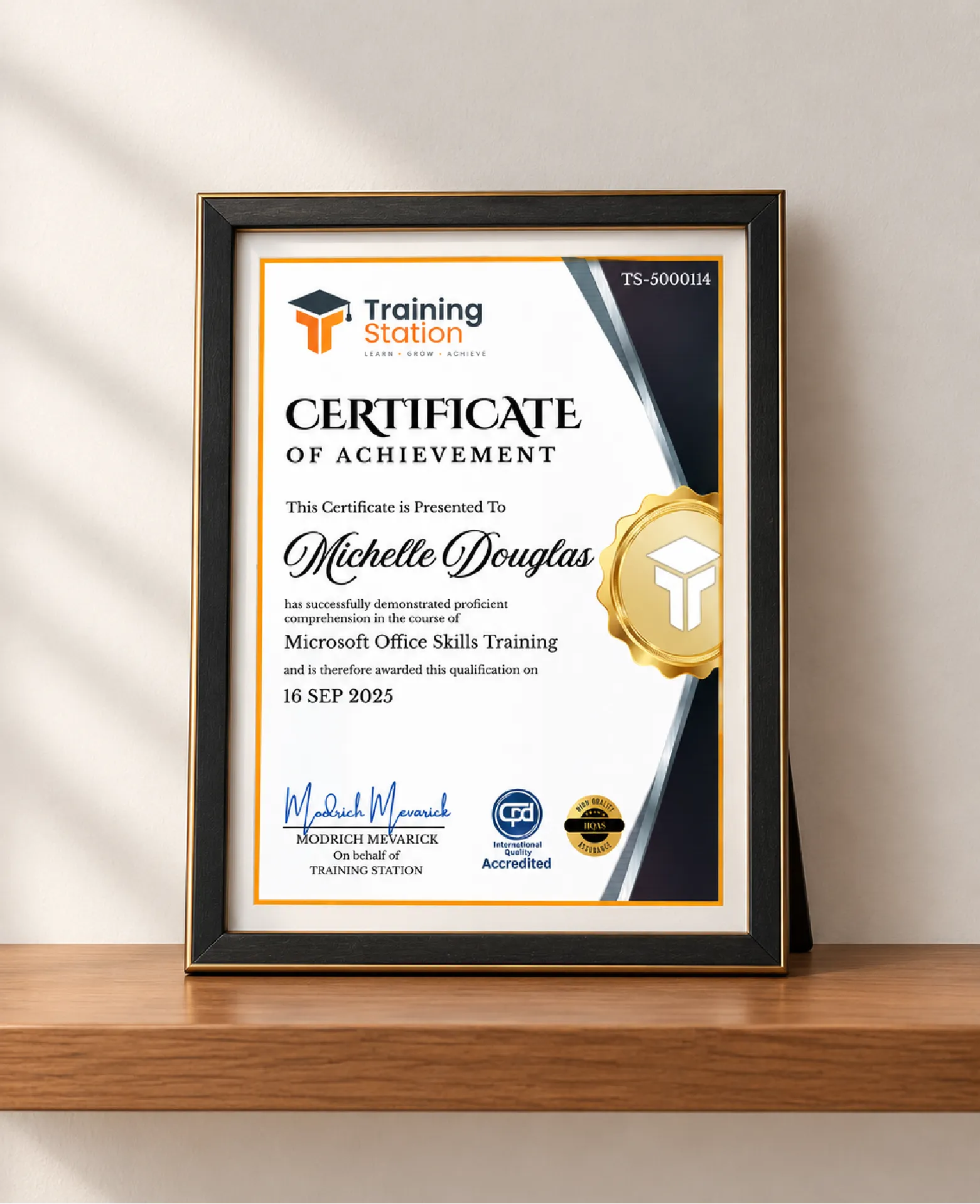
Celebrate your achievement with a CPD-IQ accredited certificate from Training Station! Perfect for showcasing your skills, boosting your career, and enhancing your professional profile.
Get this CourseOur Courses Accreditation






Frequently Asked Questions
Fully online through PDF materials and video lessons. Learn anytime, anywhere.
Self-paced: complete it in a week or spread it over months.
No. The course is beginner-friendly.
Yes. Instructor support is available Monday to Friday.
Yes. We offer a 14-day money-back guarantee.
 Access all courses for Only £99