
Adobe Premiere Pro Course: Video Editing for Beginners
- Access
- Lifetime
- Assistance
- Expert Tutor Support
- Flexibility
- Learn Anytime, Anywhere
Overview
The Adobe Premiere Pro Course is designed to help beginners develop the knowledge and practical skills needed to edit videos using one of the widely recognised professional video-editing applications. Video is an important communication format across social media, education, marketing, entertainment and business. The ability to organise footage, build a clear sequence, improve visual presentation and prepare a finished export can help you communicate ideas more effectively.
This course introduces the essential tools and techniques involved in a typical video-editing workflow. You will learn how to navigate the editing environment, import media, organise project files, work with timelines and make basic edits. You will also explore transitions, titles, audio adjustments, colour correction and export settings.
The course is structured for beginners, so the focus is on building confidence with the editing process before progressing towards more developed techniques. You will learn not only how to use individual tools but also how editing decisions affect the quality, clarity and pace of a finished video.
By the end of the course, you should be better prepared to create and export simple video projects, organise editing work and continue developing your creative abilities through independent practice.
What You Will Learn
You will develop the ability to:
-
Understand the Adobe Premiere Pro workspace.
-
Create and organise video-editing projects.
-
Import and manage video, audio and image files.
-
Work with clips on a timeline.
-
Cut, trim, rearrange and sequence footage.
-
Add transitions and titles.
-
Adjust audio levels and improve sound consistency.
-
Apply basic colour correction.
-
Use effects appropriately.
-
Export videos for different platforms and purposes.
Who Is This For?
This course is suitable for beginners who want to learn video editing using Adobe Premiere Pro. It can benefit aspiring content creators, YouTubers, social media assistants, marketing professionals and small business owners who want to produce or edit video content.
Students, freelancers and individuals exploring creative careers may also find the course useful. It provides an introduction to the editing process for anyone who wants to turn recorded footage into a structured video.
The course may also help professionals who occasionally need to prepare internal presentations, promotional clips, training videos or other visual materials.
Requirements / Prerequisites
No previous video-editing experience or formal qualification is required. Basic computer skills and an interest in creative work are sufficient to begin.
Access to Adobe Premiere Pro is recommended for practical exercises. Software availability, subscription arrangements and interface details may vary by version. A computer capable of handling video files will make practical work easier. You should also have access to sample footage or your own suitable media files for practice.
Course Content
Module 1: Introduction to Video Editing and Premiere Pro
Understand the purpose of video editing and the role of Premiere Pro in a production workflow. Explore the main areas of the interface and become familiar with the workspace, panels and essential editing terminology.
Module 2: Creating Projects and Organising Media
Learn how to create a project and organise video, audio and image assets. Understand why file organisation is important and how a logical folder structure can make editing more efficient.
Module 3: Importing and Managing Footage
Explore how media is brought into a project. Learn how to review clips, organise assets and prepare material before editing. Understand the importance of keeping source files accessible and correctly organised.
Module 4: Timeline Editing and Basic Techniques
Develop confidence working with the timeline. Learn how to place clips, trim unwanted sections, rearrange footage and create a sequence that communicates a clear story or message.
Module 5: Transitions and Visual Effects
Explore how transitions can connect different shots and how effects can change the appearance of footage. Learn to use these features with purpose, avoiding unnecessary effects that distract from the content.
Module 6: Titles, Text and Graphics
Understand how titles and text can introduce subjects, explain information and improve video structure. Explore basic title design and the importance of readable text, suitable positioning and consistent visual presentation.
Module 7: Audio Editing and Sound Control
Learn how to work with audio tracks, adjust volume and improve sound consistency. Understand why clear speech, suitable background music and balanced audio contribute to a professional viewing experience.
Module 8: Basic Colour Correction and Visual Consistency
Explore the purpose of colour correction and how it can help improve the appearance of footage. Learn to consider exposure, contrast, white balance and consistency between different shots.
Module 9: Video Review and Editing Refinement
Develop a structured approach to reviewing your work. Learn to check timing, transitions, audio, titles and visual continuity. Understand how small adjustments can improve the overall quality of a video.
Module 10: Exporting and Sharing Finished Videos
Learn how to prepare a completed project for export. Explore resolution, format, frame rate and other basic output considerations. Understand why export settings should reflect the intended platform and viewing environment.
Skills You Will Develop
You will develop video-editing, media organisation, timeline management, visual storytelling, basic audio editing and export preparation skills. You will also improve your understanding of pacing and how visual and audio elements work together.
These skills can help you approach editing projects more systematically and make better decisions about how footage should be presented.
Practical Applications
The course knowledge can be applied to social media videos, promotional content, educational resources, presentations, interviews, personal projects and short-form video production.
For example, you could organise recorded footage into a short promotional video, add titles to explain key points, improve audio consistency and export a finished version for online sharing. You could also use the same editing principles to prepare tutorials or internal business communications.
Career Path
Premiere Pro skills can support development towards roles such as:
-
Junior Video Editor
-
Video Production Assistant
-
Social Media Content Creator
-
Digital Content Assistant
-
Marketing Assistant
-
Multimedia Assistant
-
Freelance Video Editor
Professional video-editing roles may require a portfolio, practical experience, storytelling ability and knowledge of wider production processes. Advanced positions may also require motion graphics, sound design, colour grading and collaboration skills.
Your Learning Outcome
By completing this course, you should understand the essential stages of editing video with Adobe Premiere Pro. You will be able to create projects, organise media, edit clips on a timeline, add basic titles and transitions, adjust audio and prepare finished videos for export.
You will also gain a foundation for developing your own editing style and progressing towards more advanced video-production techniques.
Curriculum
- Importing and Organizing Project Files
- Media Management and Workflow Essentials
- Using Overwrite Edits in the Timeline
- Working with Track Selection, Hand, and Zoom Tools
- Using the Ripple Edit Tool
- Editing with the Razor Tool
- Applying the Rolling Edit Tool
- Configuring Transition Settings
- Advanced Transition Techniques
- Masking and Effect Controls
- Pausing and Controlling Animations
- Reusing Clip Attributes Efficiently
- Animating and Auto-Tracking Masks
- Importing and Animating Photographs
- Understanding Different Marker Types
- Advanced Speed and Timing Techniques
- Creating a Simulated Zoom Effect
- Rendering Timeline Clips
- Exporting Projects with Adobe Media Encoder
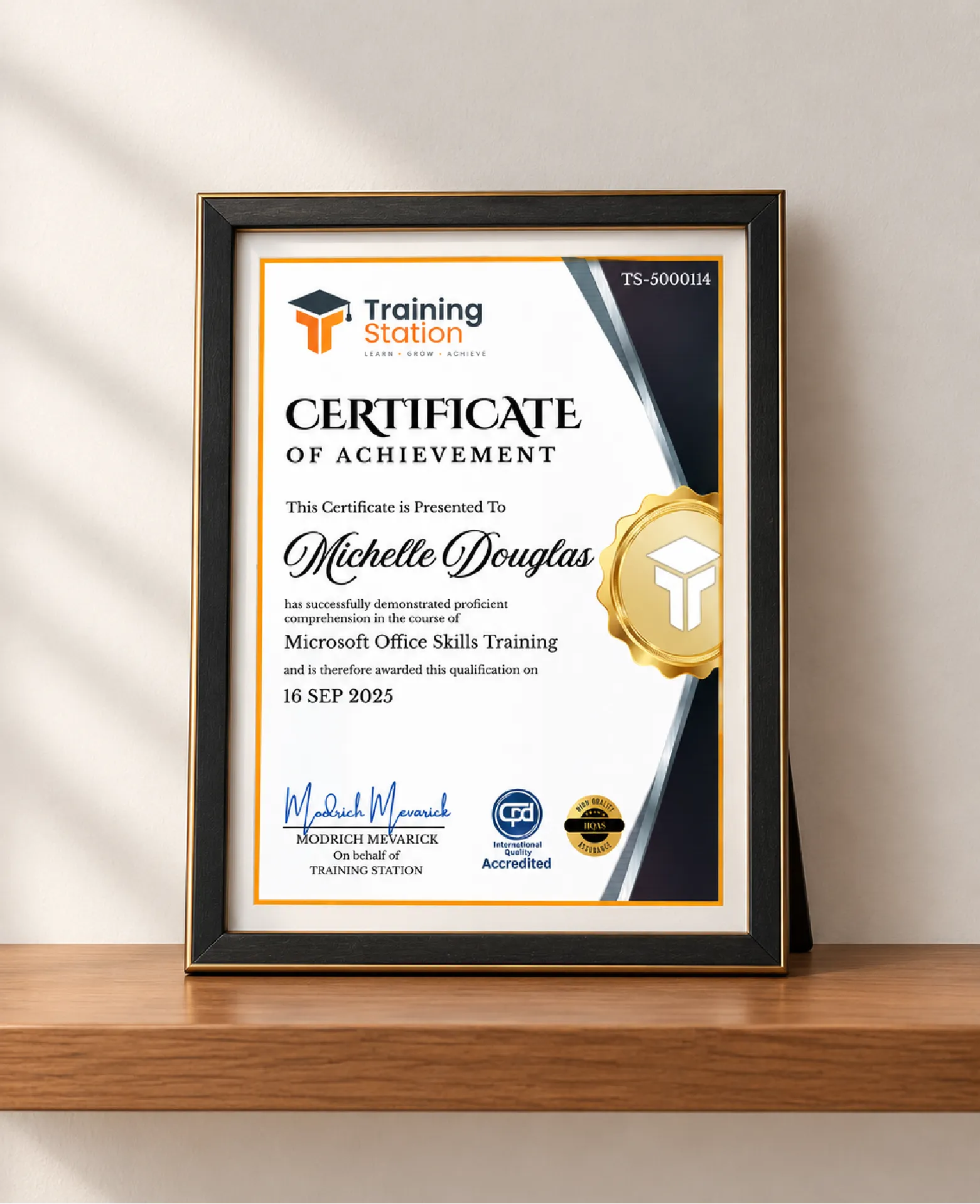
Celebrate your achievement with a CPD-IQ accredited certificate from Training Station! Perfect for showcasing your skills, boosting your career, and enhancing your professional profile.
Get this CourseOur Courses Accreditation





Frequently Asked Questions
Fully online through PDF materials and video lessons. Learn anytime, anywhere.
Self-paced: complete it in a week or spread it over months.
No. The course is beginner-friendly.
Yes. Instructor support is available Monday to Friday.
Yes. We offer a 14-day money-back guarantee.
 Access all courses for Only £99