
Adobe Premiere Pro Course for Beginners: Video Editing
- Access
- Lifetime
- Assistance
- Expert Tutor Support
- Flexibility
- Learn Anytime, Anywhere
Overview
Video content has become an essential part of digital communication, entertainment, education and business marketing. From social media videos and YouTube content to promotional campaigns and professional presentations, the ability to edit video effectively can help you communicate ideas, tell stories and create engaging visual experiences.
This Adobe Premiere Pro Course for Beginners is designed to help you understand the foundations of video editing using Adobe Premiere Pro. You will explore the editing environment, learn how to organise media files, work with video and audio tracks, arrange clips and develop a complete editing workflow.
The course will introduce you to the key stages of video production, from importing footage and creating a project to editing sequences, adding transitions, adjusting audio and exporting a finished video. You will develop an understanding of how individual clips can be combined to create a clear and engaging final production.
You will also explore how titles, graphics, colour adjustments and audio improvements can contribute to the quality of a video. These skills can help you prepare content for different platforms and audiences.
Whether you want to create YouTube videos, edit social media content, develop promotional material or explore video editing as a professional skill, this course will help you build a foundation in Adobe Premiere Pro.
What You Will Learn
By studying this course, you will develop an understanding of:
-
The Adobe Premiere Pro interface and editing workspace.
-
Creating and managing video editing projects.
-
Importing and organising video, audio and image files.
-
Creating sequences and arranging clips.
-
Using the timeline and essential editing tools.
-
Cutting, trimming and joining video clips.
-
Working with multiple video and audio tracks.
-
Adding transitions and basic visual effects.
-
Creating titles and adding text to videos.
-
Adjusting audio levels and improving sound.
-
Understanding basic colour correction.
-
Using effects to improve visual presentation.
-
Exporting videos in suitable formats.
-
Developing an organised video editing workflow.
Introduction to Adobe Premiere Pro
Adobe Premiere Pro is a video editing application used to create and edit a wide range of video productions. It provides tools for arranging footage, adjusting audio, adding graphics and preparing finished videos for distribution.
You will explore the purpose of Premiere Pro and understand how it fits into the wider video production process.
You will also develop an understanding of the difference between raw footage, edited sequences and exported video files.
This foundation will help you understand the stages involved in turning recorded material into a finished production.
Exploring the Premiere Pro Interface
The editing workspace contains different panels that support specific activities. Understanding these panels can make editing easier and help you work more efficiently.
You will explore the main areas of the Premiere Pro interface, including the Project panel, Source Monitor, Program Monitor, Timeline and editing tools.
You will learn how the Project panel helps organise imported media and how the Source Monitor can be used to preview footage before adding it to a sequence.
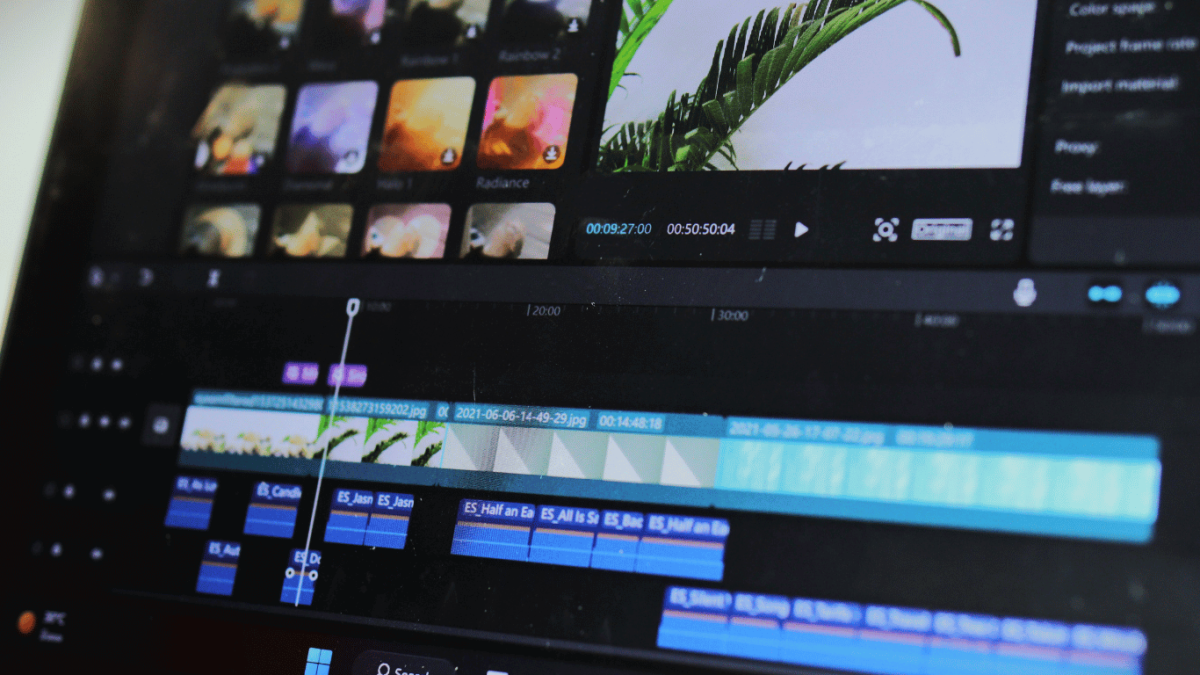
You will also explore the Program Monitor, which displays the current edited sequence, and the Timeline, where clips are arranged and adjusted.
Understanding the workspace will help you navigate the application and locate the tools needed for common editing tasks.
Creating and Managing Projects
A well-organised project makes it easier to manage footage and maintain an efficient editing process.
You will explore how to create a new Premiere Pro project and understand the importance of choosing appropriate project settings.
You will learn why media organisation matters and how folders, bins and clear file names can help keep a project manageable.
You will also develop an understanding of how project files relate to the original media stored on your computer.
These skills can help reduce confusion when working with multiple clips, audio files and graphics.
Importing and Organising Media
Video projects often contain several types of media, including video footage, photographs, music, voice recordings and graphics.
You will explore how to import these assets into Premiere Pro and organise them for editing.
You will learn how to preview media, identify useful footage and arrange assets into logical groups.
You will also understand why keeping source files organised is important when editing larger projects or returning to a project at a later date.
Understanding Sequences and the Timeline
A sequence is the editing environment in which clips are arranged to create a video.
You will explore how sequences work and understand why settings such as frame size and frame rate matter when preparing a project.
You will learn how to place clips on the Timeline and arrange them in a meaningful order.
You will also explore the relationship between video tracks and audio tracks and understand how multiple layers can be used to create more complex productions.
This knowledge will help you move from individual media files towards a complete edited sequence.
Cutting, Trimming and Arranging Clips
Cutting and trimming are essential video editing skills. They allow you to remove unwanted sections, improve pacing and arrange footage into a clear visual sequence.
You will explore how to select clips, adjust their start and end points and remove unnecessary material.
You will also learn how to split footage, move clips and create a logical order for a video.
Understanding these techniques can help you remove mistakes, shorten unnecessary sections and improve the flow of your content.
You will develop awareness of how editing decisions influence the viewer’s experience and how carefully arranged clips can communicate a story more effectively.
Working with Multiple Tracks
Premiere Pro allows editors to use multiple video and audio tracks within a sequence.
You will explore how layers can be used to combine footage, overlay graphics, add titles and arrange sound.
You will learn how different tracks interact and why track organisation is important.
For example, a video may contain a main footage track, an additional visual layer, background music and a voice-over recording.
Understanding this structure can help you manage more complex editing tasks and build a clearer production workflow.
Adding Transitions and Visual Effects
Transitions help connect one clip to another. They can be used to create smooth changes between scenes or support a particular visual style.
You will explore common transitions and understand how to apply them appropriately.
You will also develop an understanding of basic visual effects and how effects can modify the appearance of footage.
You will learn why transitions and effects should support the content rather than distract from it.
A well-edited video often benefits from consistent visual choices and a clear sense of progression.
Creating Titles and Text Graphics
Titles and text can provide context, introduce subjects and highlight important information.
You will explore how to add text and basic graphics to a video using Premiere Pro’s available tools.
You will learn how titles can be used for opening sequences, names, captions and closing messages.
You will also understand the importance of readability, positioning, timing and visual consistency.
These skills can help you create videos that communicate information clearly and maintain a professional appearance.
Audio Editing and Sound Improvement
Audio is an important part of video quality. Poor sound can make an otherwise well-edited video difficult to watch.
You will explore how audio tracks are organised and how sound can be adjusted within Premiere Pro.
You will learn how to manage audio levels, balance background music and voice recordings, and identify sections that may need adjustment.
You will also develop an understanding of why background music should complement spoken content rather than overpower it.
These techniques can help you create a more balanced viewing experience.
Basic Colour Correction
Colour correction helps improve the visual consistency of footage and can make scenes appear more balanced.
You will explore the purpose of colour correction and understand how exposure, contrast, white balance and colour intensity affect an image.
You will develop awareness of how footage recorded under different lighting conditions may require adjustments.
You will also learn why colour decisions should support the intended appearance of a video while keeping the subject clear and natural.
Exporting and Preparing Finished Videos
Once editing is complete, the sequence must be exported into a video file that can be shared or published.
You will explore the export process and understand the importance of selecting appropriate settings.
You will develop awareness of common video formats, resolution, frame rate and compression.
You will also learn why export settings should reflect the intended platform and viewing requirements.
For example, a video intended for a social media platform may require different dimensions from a widescreen presentation.
Understanding the export process will help you prepare finished videos for different audiences and distribution channels.
Developing an Efficient Editing Workflow
An organised editing workflow can help reduce wasted time and make projects easier to manage.
You will explore how to approach video editing in stages, beginning with media organisation and continuing through assembly, refinement, audio adjustment and export.
You will also understand why saving projects regularly and maintaining organised source files are important habits.
By developing a consistent workflow, you can approach future editing projects with greater confidence and control.
Who Is This For?
This course is suitable for learners who want to develop beginner-level video editing skills using Adobe Premiere Pro.
It may be particularly useful for:
-
Complete Beginners: Learn the foundations of video editing and become familiar with Premiere Pro.
-
Aspiring Video Editors: Develop practical knowledge for further editing practice.
-
YouTube Creators: Understand how to edit videos for online publication.
-
Social Media Content Creators: Explore how to prepare engaging video content.
-
Digital Marketers: Learn how video editing can support promotional campaigns.
-
Small Business Owners: Develop skills for creating and editing business videos.
-
Students: Build an understanding of digital media production.
-
Freelancers: Explore video editing as an additional creative skill.
-
Photography Enthusiasts: Expand creative knowledge into video production.
-
Career Changers: Develop foundational skills for further learning in media and content production.
Requirements / Prerequisites
No formal qualifications or previous video editing experience are required.
You should ideally have:
-
Basic computer skills.
-
Access to a computer that can run a compatible version of Adobe Premiere Pro.
-
Access to Adobe Premiere Pro.
-
Video clips or sample media for practice.
-
An interest in digital content and creative editing.
A basic understanding of file management will be helpful. Adobe Premiere Pro is a commercial application, and access may require a suitable subscription or licence.
Skills You Can Develop
Video Editing: Understand how to arrange, trim and refine footage.
Project Management: Learn how to organise media assets and editing projects.
Timeline Editing: Develop confidence working with video and audio tracks.
Visual Storytelling: Understand how clip arrangement influences the viewer’s experience.
Audio Editing: Develop basic knowledge of sound balancing and audio organisation.
Titles and Graphics: Learn how to add text and visual information to videos.
Colour Correction: Understand basic techniques for improving visual consistency.
Video Exporting: Learn how to prepare finished videos for different platforms.
Creative Problem-Solving: Develop an understanding of how editing choices can improve a production.
Career Path
Adobe Premiere Pro skills can support further development in video production, digital media and content creation. This course provides a foundation rather than a professional qualification, and employers or clients may expect a portfolio, practical experience and additional creative skills.
Potential career directions include:
Junior Video Editor: Work towards editing footage for digital content, presentations and promotional projects.
Social Media Video Editor: Develop short-form video content for social platforms.
YouTube Video Editor: Support creators with editing, sequencing, audio and visual presentation.
Content Creator: Combine video editing with planning, recording and publishing digital content.
Digital Marketing Assistant: Use video editing knowledge to support promotional campaigns.
Multimedia Assistant: Contribute to projects involving video, graphics and digital communication.
Freelance Video Editor: Explore independent editing projects and build a portfolio.
Video Production Assistant: Develop towards wider production responsibilities through practical experience.
Further study in advanced editing, motion graphics, sound production, colour grading and storytelling can help you progress towards more specialised creative roles.
Applying Your Knowledge
You can apply the concepts from this course by creating a short video using your own footage or suitable practice material.
Begin by organising your media files and creating a new project. Import your footage, select useful sections and arrange them on the Timeline.
Next, refine the sequence by trimming unwanted material, adding suitable transitions and including titles where necessary. Review the audio and make adjustments to improve clarity and balance.
Finally, check the complete sequence and export it using settings suitable for its intended platform.
This process will help you understand how the different editing stages work together to produce a finished video.
Conclusion
The Adobe Premiere Pro Course for Beginners will help you understand the essential stages of video editing, from project creation and media organisation to timeline editing, audio adjustment and exporting.
You will develop knowledge of the tools and techniques used to turn raw footage into structured video content.
Whether you want to create online videos, support business marketing or explore a future in digital media, this course can provide a practical foundation for developing your video editing skills.
Curriculum
- Importing and Organising Media
- Essential Timeline Navigation
- Performing Overwrite Edits
- Using Track Selection, Hand, and Zoom Tools
- Editing with the Ripple Edit Tool
- Cutting Clips with the Razor Tool
- Refining Edits with the Rolling Edit Tool
- Configuring Transition Settings
- Applying Transition Effects
- Creating Masking Effects
- Pausing Animation Effects
- Reusing Clip Attributes
- Animating and Auto-Tracking Masks
- Importing and Animating Photographs
- Working with Different Marker Types
- Chapter-Based Editing Techniques
- Creating a Simulated Zoom Effect
- Rendering Timeline Clips
- Exporting Projects with Adobe Media Encoder
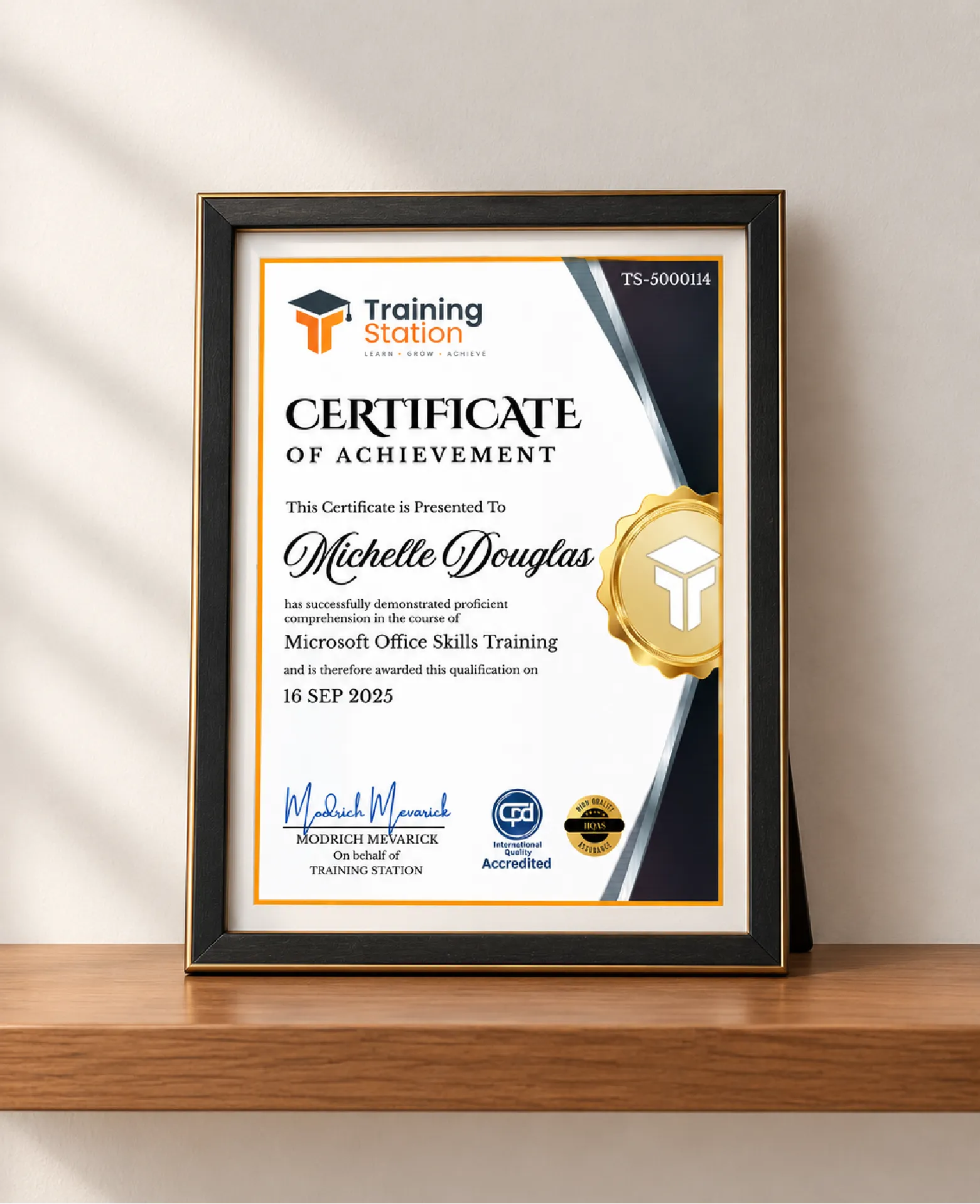
Celebrate your achievement with a CPD-IQ accredited certificate from Training Station! Perfect for showcasing your skills, boosting your career, and enhancing your professional profile.
Get this CourseOur Courses Accreditation






Frequently Asked Questions
Fully online through PDF materials and video lessons. Learn anytime, anywhere.
Self-paced: complete it in a week or spread it over months.
No. The course is beginner-friendly.
Yes. Instructor support is available Monday to Friday.
Yes. We offer a 14-day money-back guarantee.
 Access all courses for Only £99