
Video Editing Course for Beginners: Master the Essentials
- Access
- Lifetime
- Assistance
- Expert Tutor Support
- Flexibility
- Learn Anytime, Anywhere
Overview
The Video Editing Course for Beginners is designed to help learners develop the practical knowledge and creative skills needed to turn raw video footage into polished, engaging visual content. Whether you want to create videos for social media, produce content for a personal project, support a business’s marketing activities or explore video editing as a professional skill, this course provides a structured introduction to the essential stages of the editing process.
Video has become one of the most widely used forms of digital communication. Businesses use it to promote products and services, educators use it to explain complex topics, creators use it to build audiences, and individuals use it to share stories and experiences. Behind effective video content is the ability to organise footage, select suitable clips, create a clear sequence, improve the viewing experience and communicate a message through visuals and sound.
This course will help you understand how video editing works, from the initial preparation of footage to the final export of a completed project. You will explore the purpose of editing, become familiar with common editing terminology and learn how different techniques contribute to a professional-looking result. You will also develop an understanding of how pacing, transitions, audio, titles and visual consistency influence the quality of a video.
By developing these foundations, you can move beyond simply joining clips together. You will gain the confidence to plan an edit, make creative decisions, improve the flow of a video and prepare content for different viewing platforms. The knowledge gained can support personal creative projects, digital marketing activities, online content creation and further learning in video production.
What You Will Learn
By completing this course, you will develop an understanding of how to:
-
Explain the purpose and main stages of the video editing process.
-
Identify the footage, audio and other resources required for an editing project.
-
Organise video files and prepare them for editing.
-
Understand the basic functions and terminology used in editing software.
-
Arrange video clips into a clear and logical sequence.
-
Trim, split, move and combine clips to improve the structure of a video.
-
Use transitions appropriately to connect scenes.
-
Understand how pacing affects the viewer’s experience.
-
Add and manage audio elements to support the visual content.
-
Use titles, captions and other text elements to communicate information.
-
Recognise the importance of consistent visual presentation.
-
Understand common video formats, resolutions and export settings.
-
Prepare edited videos for online sharing and different digital platforms.
-
Review completed projects and identify opportunities for improvement.
Who Is This For?
This course is suitable for beginners who want to understand video editing and develop a useful creative skill. No previous professional editing experience is necessary, making it accessible to learners who are starting from the basics.
Aspiring content creators: If you want to publish videos on platforms such as YouTube, Instagram, TikTok or Facebook, this course can help you understand how to prepare and edit content that communicates clearly and holds viewers’ attention. You will learn the foundations of creating structured videos rather than relying on unedited footage.
Social media marketers: Video is an important part of many social media campaigns. The course can help you develop the editing knowledge needed to prepare promotional clips, short-form videos, announcements and other marketing content.
Small business owners and entrepreneurs: If you manage your own business, understanding video editing can help you create basic promotional content, product demonstrations and informative videos. This knowledge may reduce your dependence on external editing support for straightforward projects.
Students and beginners: Learners interested in digital media, creative communication or video production can use this course to build foundational knowledge before progressing to more advanced training.
Freelancers and aspiring digital professionals: Video editing can complement skills in graphic design, social media management, digital marketing and content creation. This course can help you explore whether editing is an area you would like to develop further.
Hobbyists and personal creators: If you enjoy recording holidays, family occasions, events or personal experiences, you can learn how to organise and edit your footage into more coherent and enjoyable videos.
Requirements / Prerequisites
There are no formal qualifications or previous video editing experience required to begin this course. It is structured for beginners and introduces the subject in an accessible way.
To get the most from your learning, you should have:
-
Access to a computer or compatible device suitable for video editing.
-
Video editing software or an application that allows you to practise the techniques covered.
-
Basic confidence using a computer, managing files and opening applications.
-
Access to video clips and audio files for practice.
-
An interest in digital content, visual communication or creative media.
-
A willingness to experiment with editing techniques and review your results.
A high-performance computer is not necessarily required for understanding the fundamentals, although the device you use should be capable of running your chosen editing software. Software features and system requirements vary, so you should check compatibility before selecting an application.
Course Content and Learning Journey
Module 1: Introduction to Video Editing
Begin by understanding what video editing involves and why it is an essential part of modern digital content production. Explore how raw recordings are transformed into organised visual stories and how editing decisions influence the final message.
You will develop an understanding of the main stages of an editing project, including preparation, reviewing footage, arranging clips, improving the presentation and exporting the finished video. You will also explore different types of video content and the purposes they serve.
By the end of this module, you should be able to explain the basic editing workflow and recognise the role of editing in producing effective video content.
Module 2: Understanding Video Editing Tools and Software
Develop familiarity with the types of tools used in video editing. Learn about the general layout of editing applications and understand the purpose of common features such as the media library, preview window, timeline, playback controls and editing panels.
You will explore how editing software helps you import resources, arrange footage and make changes to a project. You will also become familiar with common terms, including clips, tracks, frames, timelines and sequences.
This knowledge will help you approach editing applications with greater confidence and understand where to find the tools needed for different tasks.
Module 3: Preparing and Organising Video Footage
Effective editing begins before the first clip is placed on the timeline. In this module, you will explore how to prepare video footage and supporting resources for an organised editing process.
You will learn why file organisation matters, how to group related media and how to review footage before using it. You will also understand the importance of identifying useful scenes, removing unnecessary material and keeping project resources easy to locate.
These skills can help you work more efficiently, reduce confusion and maintain a manageable editing workflow.
Module 4: Basic Editing Techniques
Explore the fundamental techniques used to construct a video. You will learn how clips can be selected, trimmed, split, moved and arranged to create a sequence that communicates a clear message.
You will also consider how to remove unwanted sections, improve the order of scenes and maintain continuity between different parts of a recording. These techniques form the foundation of almost every editing project.
By developing these skills, you can begin transforming separate recordings into a coherent video with a clear beginning, middle and ending.
Module 5: Transitions and Video Flow
Learn how transitions connect clips and influence the movement from one scene to another. You will explore common transition styles and understand when a simple cut, fade or other transition may be appropriate.
The module also introduces the importance of visual continuity and editing rhythm. You will consider how excessive transitions can distract viewers and why editing choices should support the purpose of the content.
You will be better equipped to create smoother scene changes and maintain a consistent viewing experience.
Module 6: Audio Editing and Sound Management
Audio is an important part of effective video communication. This module introduces the role of dialogue, background music, sound effects and environmental audio in video production.
You will explore how audio can be added, arranged and adjusted within an editing project. You will also learn why sound levels, timing and clarity matter, particularly when a video includes spoken information.
The aim is to help you understand how to create a more balanced relationship between sound and visuals so that audio supports rather than distracts from the content.
Module 7: Titles, Text and Captions
Discover how text elements can make videos easier to understand and more informative. You will explore the use of opening titles, headings, labels, captions and closing information.
You will also consider readability, placement, timing and consistency. Text should be clear and relevant, helping viewers understand important information without taking unnecessary attention away from the visuals.
These skills can support the creation of tutorials, promotional videos, educational content and social media clips.
Module 8: Improving Visual Presentation
Learn about the visual considerations that contribute to a more polished video. You will explore the importance of consistent presentation, suitable framing, brightness, contrast and colour appearance.
The module will help you understand why footage from different recordings may need attention before being combined. You will also consider how visual adjustments can improve clarity and create a more consistent appearance.
You will develop a foundation for reviewing the overall look of your video and identifying areas that may benefit from improvement.
Module 9: Exporting and Sharing Finished Videos
An edited project must be exported correctly before it can be shared or published. In this module, you will explore common video formats, resolution settings, aspect ratios and export considerations.
You will learn why different platforms and viewing environments may require different video dimensions or file settings. You will also understand the importance of reviewing an exported file to check that the visuals, audio and timing appear as intended.
This knowledge will help you prepare videos for online publication, presentations and personal use.
Module 10: Reviewing and Developing Your Editing Skills
The final stage of the learning journey focuses on reviewing completed work and identifying ways to improve. You will consider how to evaluate the structure, pacing, sound, visual consistency and overall message of an edited video.
You will also explore the value of practising with different types of footage and gradually introducing more advanced techniques. By reviewing your own projects, you can identify strengths, recognise mistakes and make more informed creative decisions.
This module encourages you to continue developing your skills beyond the course and build confidence through regular practice.
Skills You Can Develop
Video editing combines technical understanding with creative judgement. Throughout this course, you will build a foundation in several transferable areas.
Technical editing skills: Understand the basic tools, terminology and workflow used to create edited videos.
Creative decision-making: Learn how to select footage, arrange scenes and use editing techniques to support a particular message.
Visual communication: Develop an understanding of how images, text, transitions and pacing influence the way viewers interpret content.
Audio awareness: Recognise how dialogue, music and sound effects contribute to the overall quality of a video.
Organisation and planning: Improve your ability to manage project files, prepare resources and follow a structured workflow.
Digital content preparation: Understand how to prepare videos for online platforms and different viewing formats.
Practical Applications of Video Editing
The skills introduced in this course can be applied across a wide range of personal and professional activities.
For social media, you can use editing knowledge to prepare short videos, promotional clips, announcements and educational posts. For YouTube and other video-sharing platforms, you can organise recordings into structured content that is easier for viewers to follow.
In business environments, basic editing knowledge can support product demonstrations, company introductions, service explanations and internal presentations. In education, it can help you prepare recorded lessons, tutorials and instructional materials.
You can also apply these skills to personal projects, including travel videos, event highlights, creative storytelling and family recordings. As your confidence increases, you may choose to explore more specialised areas such as motion graphics, advanced colour grading, visual effects or professional post-production.
Career Path
Learning video editing can support your development towards several creative and digital career directions. This course provides foundational knowledge rather than a professional qualification, so further practical experience, a portfolio and additional training may be needed for specialist roles.
Junior Video Editor: You could work towards entry-level editing responsibilities, such as organising footage, trimming clips and preparing straightforward video sequences.
Social Media Content Creator: You can combine editing knowledge with content planning to create videos for social media audiences and online communities.
Digital Marketing Assistant: Video editing can complement marketing skills when preparing promotional content, campaign videos and product demonstrations.
YouTube Content Creator: You can use your knowledge to edit and publish your own videos, develop a consistent content style and improve your production workflow.
Freelance Video Editor: With continued practice and a portfolio of completed projects, you may explore freelance opportunities involving social media clips, personal videos, promotional content or basic business videos.
Content Production Assistant: Editing knowledge can support roles involving digital media preparation, video organisation and content production.
Video Production Specialist: With further training and experience, you may progress towards more advanced production responsibilities involving editing, post-production and multimedia content.
Career opportunities and earning potential depend on your location, experience, portfolio, technical ability and the requirements of individual employers or clients. Developing a strong collection of completed projects can help demonstrate your abilities when pursuing opportunities.
Your Next Step in Video Editing
The ability to edit video is a valuable skill in an increasingly visual digital environment. Whether you want to create content for your own platforms, support a business, develop a creative hobby or explore a future career in digital media, understanding the editing process gives you a practical starting point.
This course will help you build that foundation by introducing the essential tools, techniques and decisions involved in video editing. You will learn how to approach footage systematically, improve the structure of a video, work with audio and text, and prepare finished projects for sharing.
Most importantly, you will develop the confidence to approach video editing as a skill that can be practised and improved. With consistent application, experimentation and further learning, you can build on these fundamentals and progress towards creating more engaging, organised and polished video content.
Curriculum
- Setting Up a New Premiere Pro Project
- Previewing Media with the Media Browser
- Working with the Source Monitor
- Creating a New Editing Sequence
- Building the Timeline
- Completing the Main Story Edit
- Using the Selection Tool
- Editing with the Slip Tool
- Editing with the Slide Tool
- Creating J-Cuts and L-Cuts
- Managing Multiple Video and Audio Tracks
- Incorporating Additional Cutaway Clips
- Muting Audio from Cutaway Clips
- Fine-Tuning Audio Levels
- Applying Audio Transitions
- Editing Audio with Keyframes
- Automatically Balancing Audio Levels
- Adding Background and Ambient Audio
- Applying Video Transitions
- Reusing Titles Across Multiple Scenes
- Introduction to Lumetri Colour Grading
- Advanced Lumetri Colour Adjustments
- Enhancing Edits with Adjustment Layers
- Designing Split-Screen Effects
- Creating Picture-in-Picture Effects
- Animating Lower Third Graphics
- Smoothing Motion with Keyframe Easing
- Creating Animated Visual Effects
- Importing Layered Photoshop Assets
- Animating a Brand Logo
- Working with Nested Sequences
- Editing to Music with Timeline Markers
- Advanced Beat Editing Using Markers
- Creating Speed Ramp Effects
- Reframing Video Clips
- Exporting Your Final Project from Premiere Pro
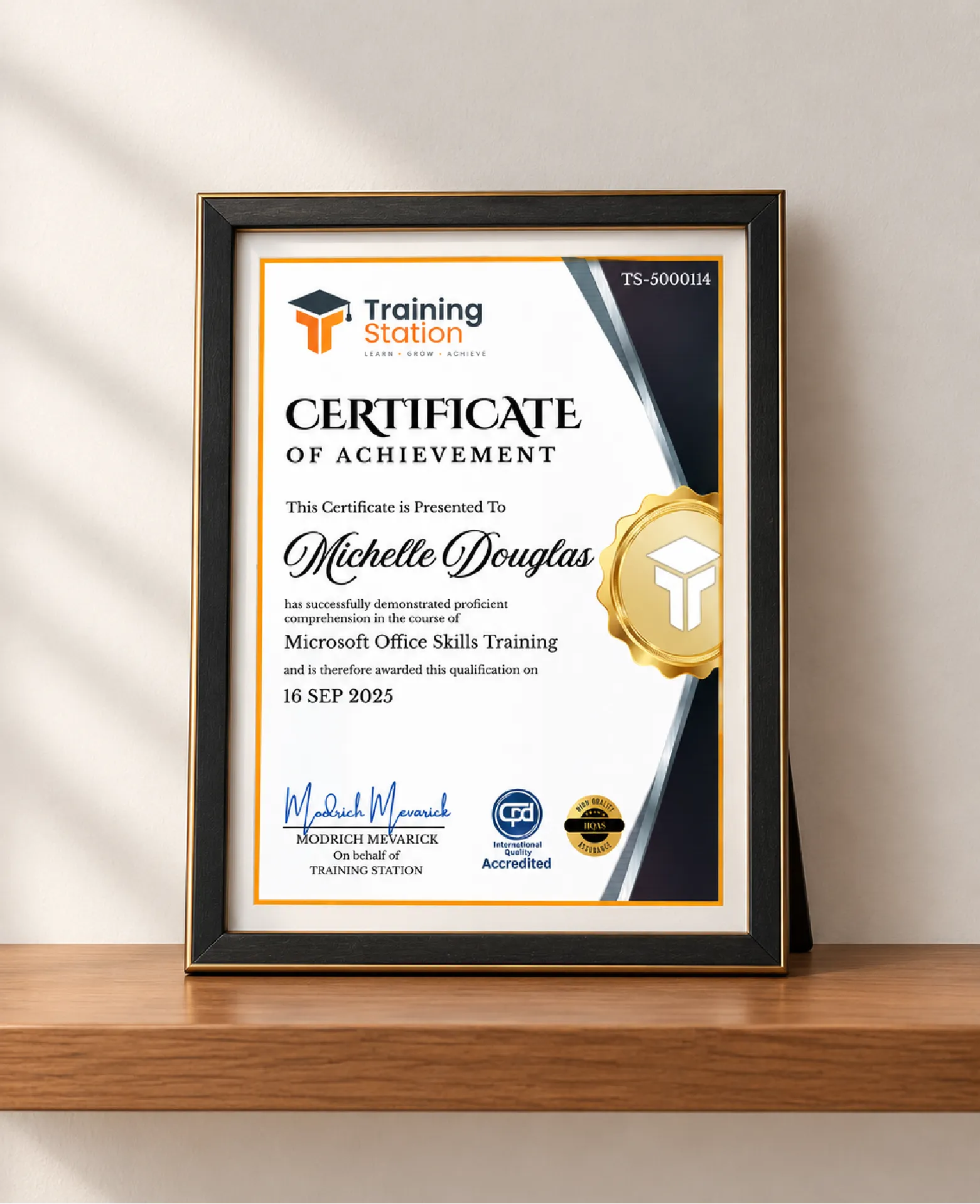
Celebrate your achievement with a CPD-IQ accredited certificate from Training Station! Perfect for showcasing your skills, boosting your career, and enhancing your professional profile.
Get this CourseOur Courses Accreditation






Frequently Asked Questions
Fully online through PDF materials and video lessons. Learn anytime, anywhere.
Self-paced: complete it in a week or spread it over months.
No. The course is beginner-friendly.
Yes. Instructor support is available Monday to Friday.
Yes. We offer a 14-day money-back guarantee.
 Access all courses for Only £99