
Flask for Beginners: Build Dynamic Python Web Apps

- Access
- Lifetime
- Assistance
- Expert Tutor Support
- Flexibility
- Learn Anytime, Anywhere
Overview
Start developing dynamic web applications with Python by learning the fundamentals of Flask. This beginner-friendly course introduces the essential concepts, tools and development techniques required to create web applications using one of Python’s most flexible web frameworks.
Flask is widely used for building websites, application backends, APIs and small-to-medium web projects. Its lightweight structure makes it a useful choice for learners who want to understand how web applications work without beginning with a large collection of complex framework features.
Throughout this course, you will explore how a Flask application is created, how a web server responds to requests and how routes connect URLs to application functionality. You will learn how to organise a project, display content through templates, handle user input and introduce dynamic behaviour into your applications.
You will also develop an understanding of HTML templates, static files, forms, application configuration and database integration concepts. These skills will help you progress from understanding basic web development principles to building applications that can respond to users and present changing information.
By the end of the course, you should have a clearer understanding of the Flask development process and the confidence to begin creating your own Python-based web projects. You will also have a foundation for progressing into more advanced areas such as database management, API development, authentication and application deployment.
What You Will Learn
The course is designed to help you understand and apply the core principles of Flask web development. You will learn how to:
-
Understand Flask and its role in Python web development.
-
Set up a Python development environment.
-
Install Flask and create your first application.
-
Understand routes, URLs and view functions.
-
Run a local Flask development server.
-
Return different types of responses.
-
Create dynamic pages using route variables.
-
Work with HTML templates and template inheritance.
-
Organise static files such as CSS, JavaScript and images.
-
Build and process basic web forms.
-
Understand HTTP requests and responses.
-
Introduce database concepts into web applications.
-
Organise a Flask project for easier maintenance.
-
Identify and troubleshoot common development errors.
Understanding Web Development with Flask
You will begin by exploring how websites and web applications operate. This includes understanding the relationship between a browser, a web server and the application responsible for generating a response.
You will learn how HTTP requests are sent to a server and how the server returns content to the browser. This knowledge will help you understand why routes, request methods and responses are important when developing web applications.
The course then introduces Flask as a Python framework. You will explore its lightweight design, understand where it fits into the wider Python ecosystem and discover why developers use it to create websites, backend services and application programming interfaces.
You will also consider the difference between static websites and dynamic web applications. A static page generally displays fixed content, while a dynamic application can respond to user input, retrieve information and generate content based on application data.
Setting Up Your Development Environment
Before building applications, you need a suitable development environment. You will learn about the tools and software commonly used in Python web development.
This section introduces Python installation, project folders, package management and virtual environments. You will understand why virtual environments help keep project dependencies separate and how they make development easier to manage.
You will also learn how Flask is installed and how to organise the basic files required for an application. Understanding this setup process will help you start new projects more confidently and avoid common configuration problems.
Creating Your First Flask Application
You will move from theory into practical application creation. The course introduces the structure of a basic Flask project and explains how Python code is used to initialise an application.
You will learn how to create an application instance, define a basic route and return a response to a browser. You will also explore how to start the Flask development server and access your application locally.
This process introduces the development cycle you will use throughout your learning: writing code, running the application, checking the browser and making improvements.
Understanding Routes and URL Handling
Routes determine how an application responds when a user visits a particular URL. You will learn how to connect URLs to Python functions and understand how Flask uses route definitions to direct incoming requests.
You will explore fixed routes, dynamic route variables and the use of different HTTP methods. You will also learn how route design contributes to the structure and usability of a web application.
These skills can help you create different sections of a website, such as a homepage, contact page, product page, profile page or information dashboard.
Working with HTML Templates
Modern web applications need to display structured and attractive content. You will learn how Flask uses templates to generate HTML pages and how template rendering connects Python application logic with the user interface.
The course introduces Jinja templating, which allows you to insert dynamic values into HTML documents. You will explore how to pass information from Python functions into templates and display it within a page.
You will also learn about template inheritance. This approach helps you create a shared layout that can be reused across multiple pages, reducing duplicated code and making website maintenance easier.
By understanding templates, you will be able to create more organised websites with consistent navigation, headers, footers and content sections.
Managing Static Files
A web application often requires additional resources such as stylesheets, scripts, logos and images. You will learn how Flask manages static files and how these resources are included in HTML templates.
You will explore the role of CSS in controlling page appearance and JavaScript in adding browser-side interactivity. You will also understand why keeping static assets organised makes a project easier to maintain.
This knowledge will help you move towards building web applications that are not only functional but also more presentable and user-friendly.
Handling Forms and User Input
Many applications need to collect information from users. Examples include contact forms, registration pages, search boxes and feedback forms.
You will learn the basic principles of HTML forms and how Flask receives submitted information through HTTP requests. The course introduces GET and POST methods and explains when each is commonly used.
You will explore how to access submitted form data and how application logic can respond to user input. You will also consider the importance of validating information before processing it.
Understanding form handling will help you create more interactive applications that can respond to the needs of their users.
Understanding Application Structure and Configuration
As an application grows, keeping all code in one place can make development difficult. You will learn why project organisation matters and how to structure a Flask application more effectively.
The course introduces application configuration, reusable code and the purpose of separating different parts of a project. You will also explore the importance of keeping development and production settings distinct.
These principles will help you create projects that are easier to expand, test and maintain as your development skills improve.
Introduction to Database Integration
Many dynamic applications need to store information between visits. You will be introduced to the role of databases in web development and how Flask applications can connect to them.
You will explore the basic purpose of database tables, records and queries. You will also learn how database integration can support features such as user accounts, product listings, bookings and content management.
This section provides a foundation for further learning in SQL, Flask SQLAlchemy and more advanced data-driven application development.
Who Is This For?
This course is suitable for:
-
Complete beginners interested in Python web development.
-
Python learners who want to build their first web application.
-
Students exploring backend programming.
-
Aspiring web developers who want to understand Flask.
-
Self-taught programmers seeking a structured introduction.
-
Technology enthusiasts interested in creating websites and online tools.
-
Learners preparing for more advanced Python development courses.
-
Individuals who want to build practical portfolio projects.
You do not need professional web development experience to begin. The course is designed to introduce the main concepts progressively.
Requirements / Prerequisites
No previous Flask experience is required. To get the most from the course, you should have:
-
A computer with the ability to install Python and development tools.
-
Basic familiarity with using a computer and managing files.
-
An interest in learning programming and web development.
-
A willingness to practise the examples and experiment with code.
Basic Python knowledge is helpful, particularly an understanding of variables, functions and simple programming logic. However, learners who are new to web frameworks can use the course to develop their understanding step by step.
Familiarity with HTML and CSS is beneficial but not essential for understanding the introductory Flask concepts.
Skills You Will Develop
Python web development: Understand how Python can be used to create server-side web applications.
Flask fundamentals: Build a foundation in application setup, routes, views and responses.
Dynamic content creation: Use templates and Python variables to display changing information.
Request handling: Understand how applications receive and process browser requests.
Form processing: Develop basic skills for collecting and handling user input.
Project organisation: Structure application files and resources more effectively.
Problem-solving: Identify common errors and understand the application development process.
Technical confidence: Develop the foundation needed to explore more advanced web development concepts.
Practical Projects You Can Work Towards
The skills introduced in this course can support a variety of beginner-level projects.
You could create a personal portfolio website with separate pages for your introduction, skills and projects. You could also develop a simple information website that displays different pages through Flask routes and reusable templates.
Another useful project could be a contact form application that receives user messages and displays appropriate responses. With further database learning, you could expand this into a system that stores submitted messages.
You could also build a basic task manager, product information website or simple content platform. These projects can help you practise the concepts covered and demonstrate your growing understanding of Python web development.
Career Path
Flask knowledge can contribute to several software and web development learning pathways. It is particularly useful for individuals interested in backend programming and Python-based application development.
Potential career pathways include:
-
Junior Python Developer: Apply Python programming knowledge to application features and development tasks.
-
Junior Web Developer: Contribute to website functionality and server-side development.
-
Backend Developer: Progress towards building application logic, APIs and database-connected services.
-
Flask Developer: Develop specialised skills in applications built using the Flask framework.
-
Web Application Developer: Work towards creating interactive systems that respond to user requests.
-
Full-Stack Developer: Combine backend knowledge with frontend technologies such as HTML, CSS and JavaScript.
Professional opportunities generally require additional skills, practical experience and an understanding of development workflows. Building projects, learning databases, exploring testing and practising deployment can help you prepare for more advanced responsibilities.
Conclusion
Flask offers an accessible starting point for learning Python web development. By understanding application setup, routes, templates, static files, forms and database concepts, you will develop the essential knowledge needed to create dynamic web applications.
This course will help you understand how Python code connects with the web and how a simple application can become a useful interactive system. Whether you are beginning your programming journey, expanding your Python skills or preparing to study backend development in greater depth, the foundations covered here can support your continued progress.
Curriculum
- Introduction to Flask-SQLAlchemy for Beginners (2019 Edition)
- Setting Up a SQLite Database with Flask-SQLAlchemy
- Connecting Flask Applications to Databases Using Flask-SQLAlchemy
- Managing Database Records with Insert, Update, and Delete Operations
- Implementing One-to-Many Relationships in Flask-SQLAlchemy
- Exploring the Lazy Loading Option in Flask-SQLAlchemy Relationships
- Creating and Managing Many-to-Many Relationships in Flask-SQLAlchemy
- Performing Left Outer Joins with Flask-SQLAlchemy
- Implementing Pagination for Database Queries in Flask-SQLAlchemy
- Applying Database Constraints in Flask-SQLAlchemy Models
- Organizing Data with Database Schemas in Flask-SQLAlchemy
- Performing Bulk Update and Delete Operations Efficiently
- Running Custom SQL Queries in Flask-SQLAlchemy
- Troubleshooting and Debugging Flask-SQLAlchemy Queries
- Managing Database Exceptions and Error Handling Strategies
- Database Migration Techniques with Flask-Migrate
- Working with Multiple Databases in Flask-SQLAlchemy Applications
- Connecting Flask-SQLAlchemy to Remote MySQL Databases Through SSH Tunnels
- Implementing Full-Text Search in Flask Using Flask-WhooshAlchemy
- Developing a Complete Blog Application with Flask and Flask-SQLAlchemy
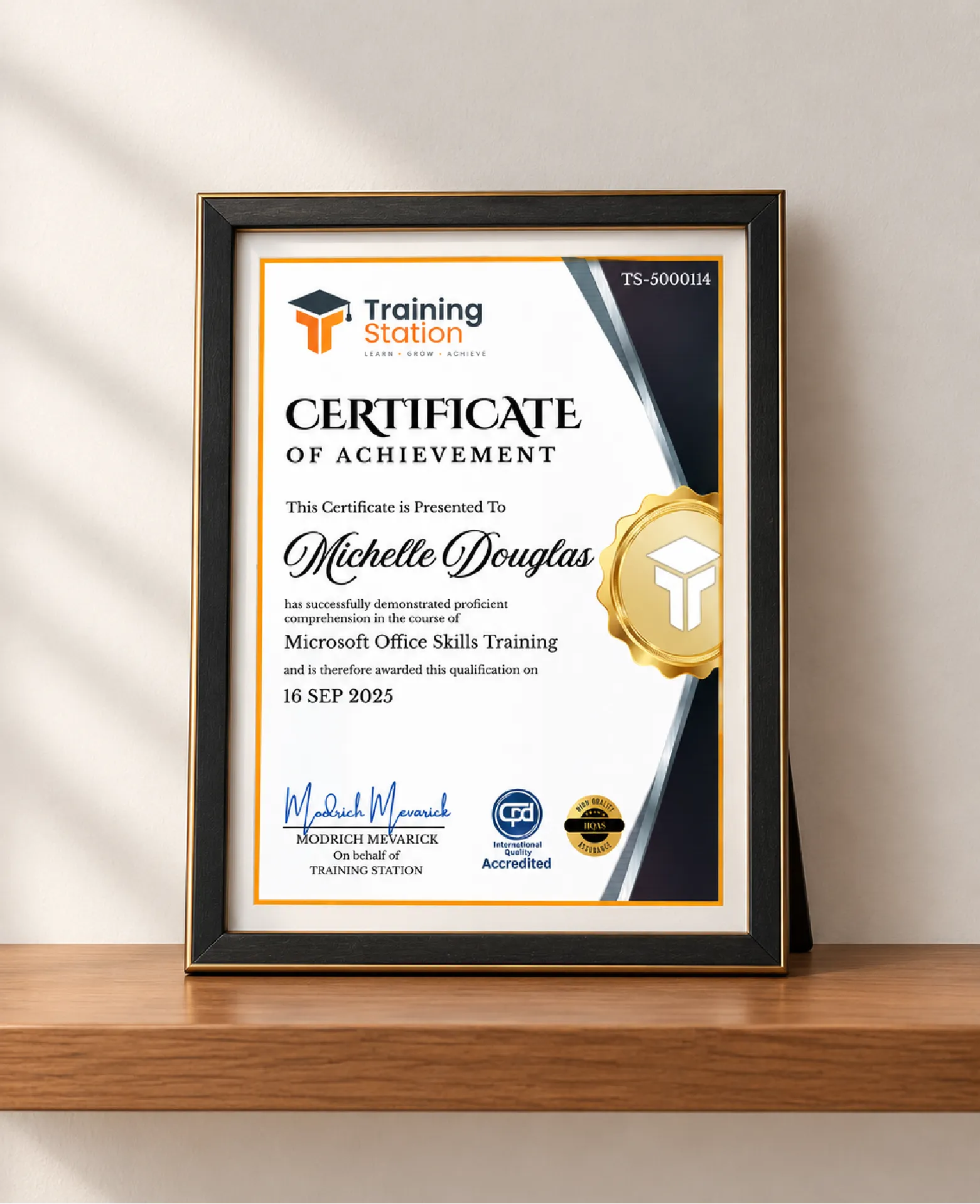
Celebrate your achievement with a CPD-IQ accredited certificate from Training Station! Perfect for showcasing your skills, boosting your career, and enhancing your professional profile.
Get this CourseOur Courses Accreditation






Frequently Asked Questions
Fully online through PDF materials and video lessons. Learn anytime, anywhere.
Self-paced: complete it in a week or spread it over months.
No. The course is beginner-friendly.
Yes. Instructor support is available Monday to Friday.
Yes. We offer a 14-day money-back guarantee.
 Access all courses for Only £99